Product Manual - ZMORPH FAB back to table of content
>>
39
Front and back covers
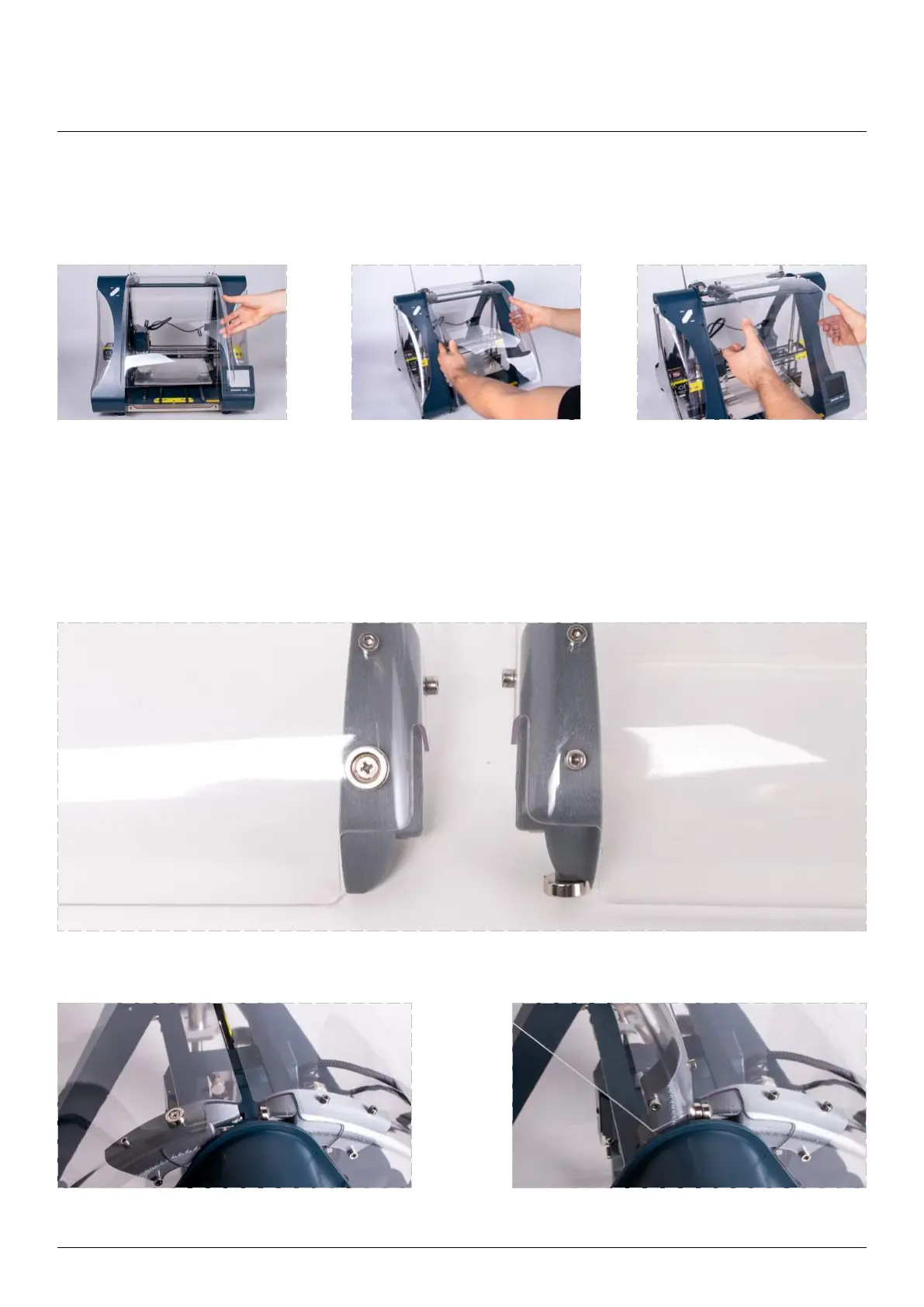
To remove front and back covers:
and back cover are shown in the picture below. Front cover has additional magnets that allow snapping in
elevated position attached.
Lift them up. Grab on both sides. Pull toward yourself.
Front cover closed. Front cover opened.
Front and back cover.
Maintenance



 To Next Page