Product Manual - ZMORPH FAB back to table of content
>>
40
Maintenance
Side covers
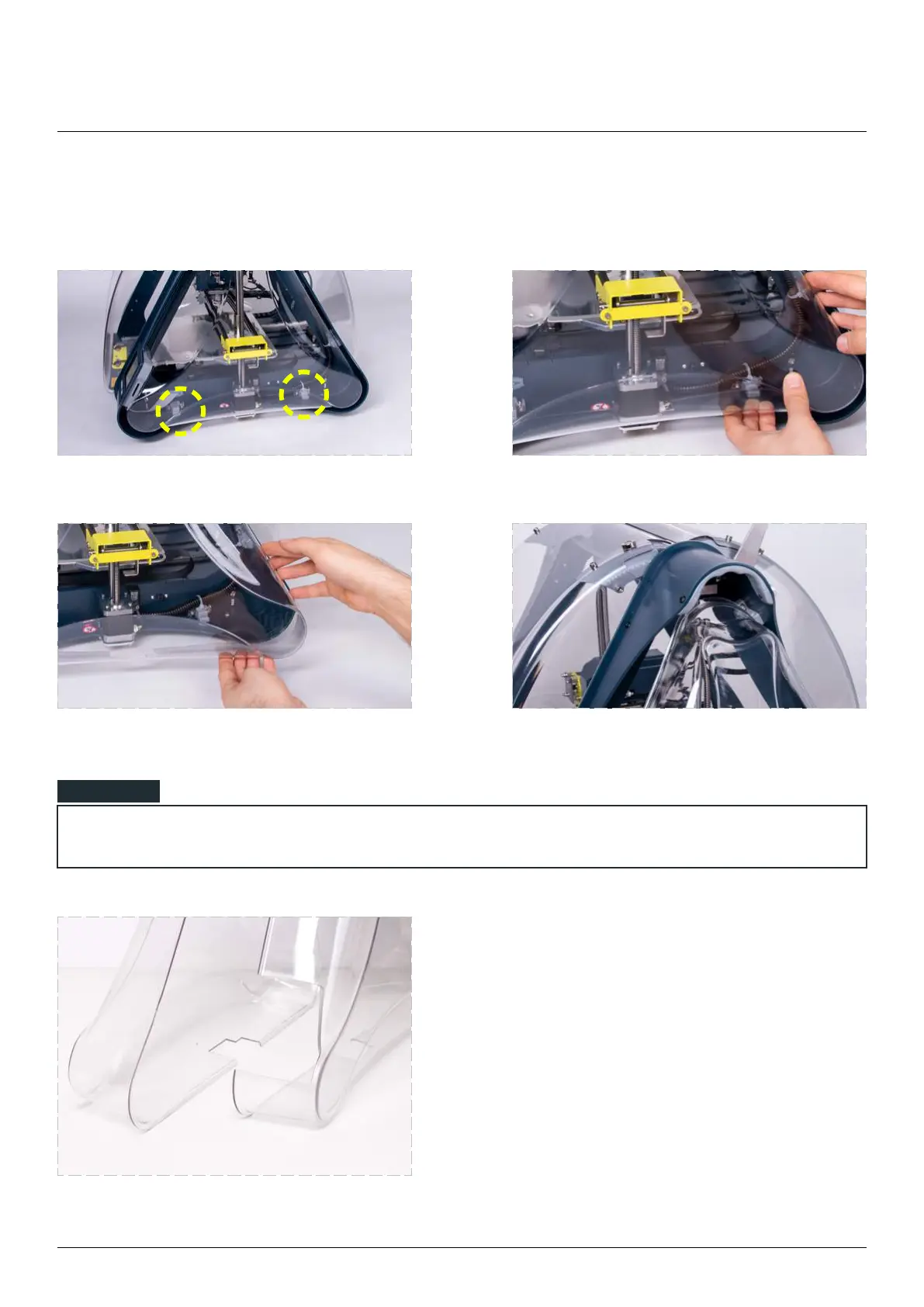
To remove side covers:
Find the two hooks
blocking the covers.
Release the cover rear corner from the hooks
by gently squeezing the cover.
Pull out the cover rear corner from the machine frame. Pull out the cover upper corner from the
machine frame.
Side covers are NOT identical. The right
cover contains a space for the screen.
Left and right cover.
NOTE



 To Next Page