64
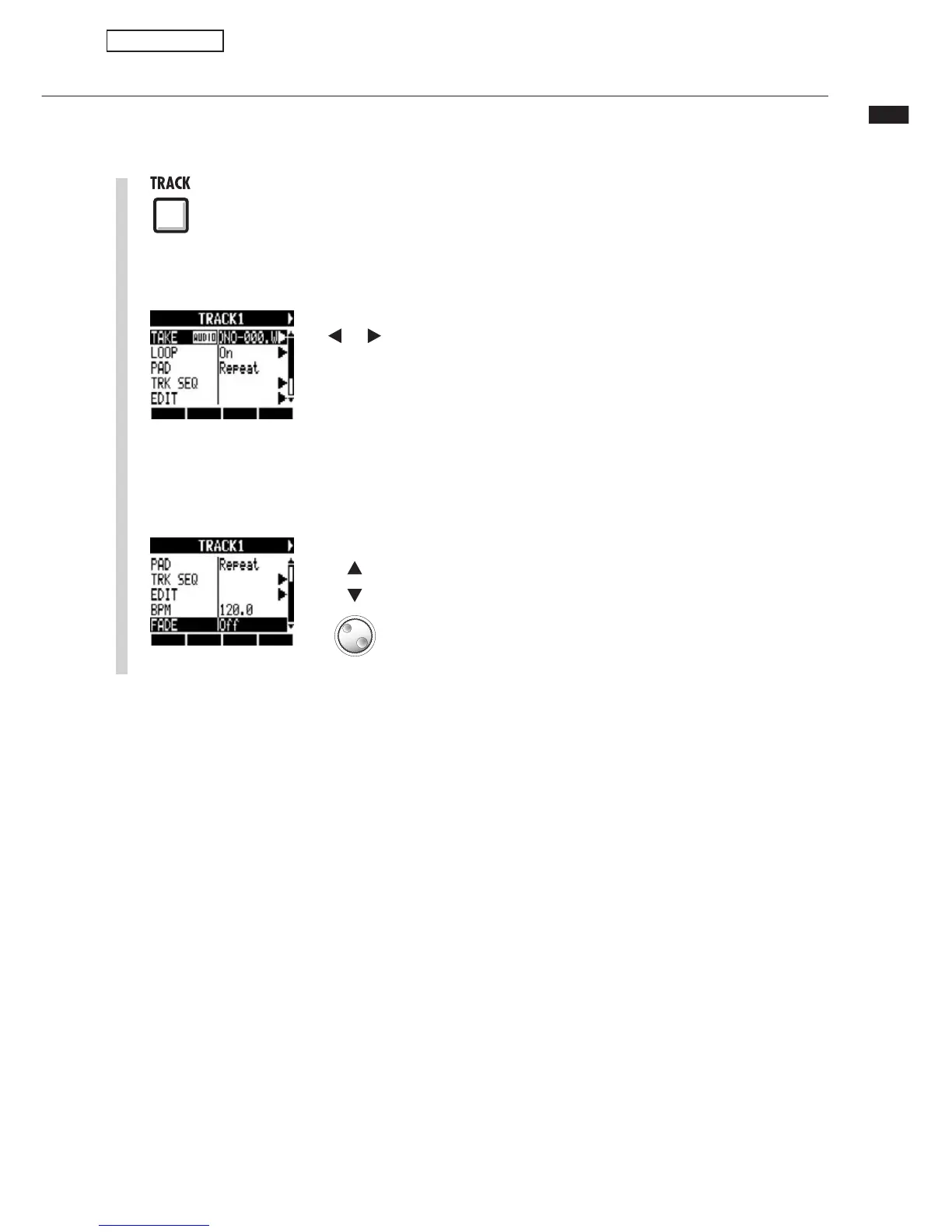
Setting fade-ins and fade-outs
Setting fade-ins and fade-outs
7iÊ«>Þ}ÊÀ>Ê>Õ`ÊwiÃ]ÊÃÀÌÊv>`iÃÊ>`Êv>`iÕÌÃÊ>ÀiÊ>««i`ÊÌÊÌiÀÊ
beginnings and ends. You can turn these off, however, for rhythm tracks and other sounds
where the attack is important.
1
Press
Select track
Select the track for which you want to
change the fade settings.
2
3
Select FADE and set it to Off if you
want to disable it.
Change menu
Change
setting
Sampler functions



 To Next Page