February 2020 – TD 266 OPERATING MANUAL – ZPulse® DCS 4420/4830/4520/4930 Page 15
1.4.1 Configure sensor using RS-232 configuration cable
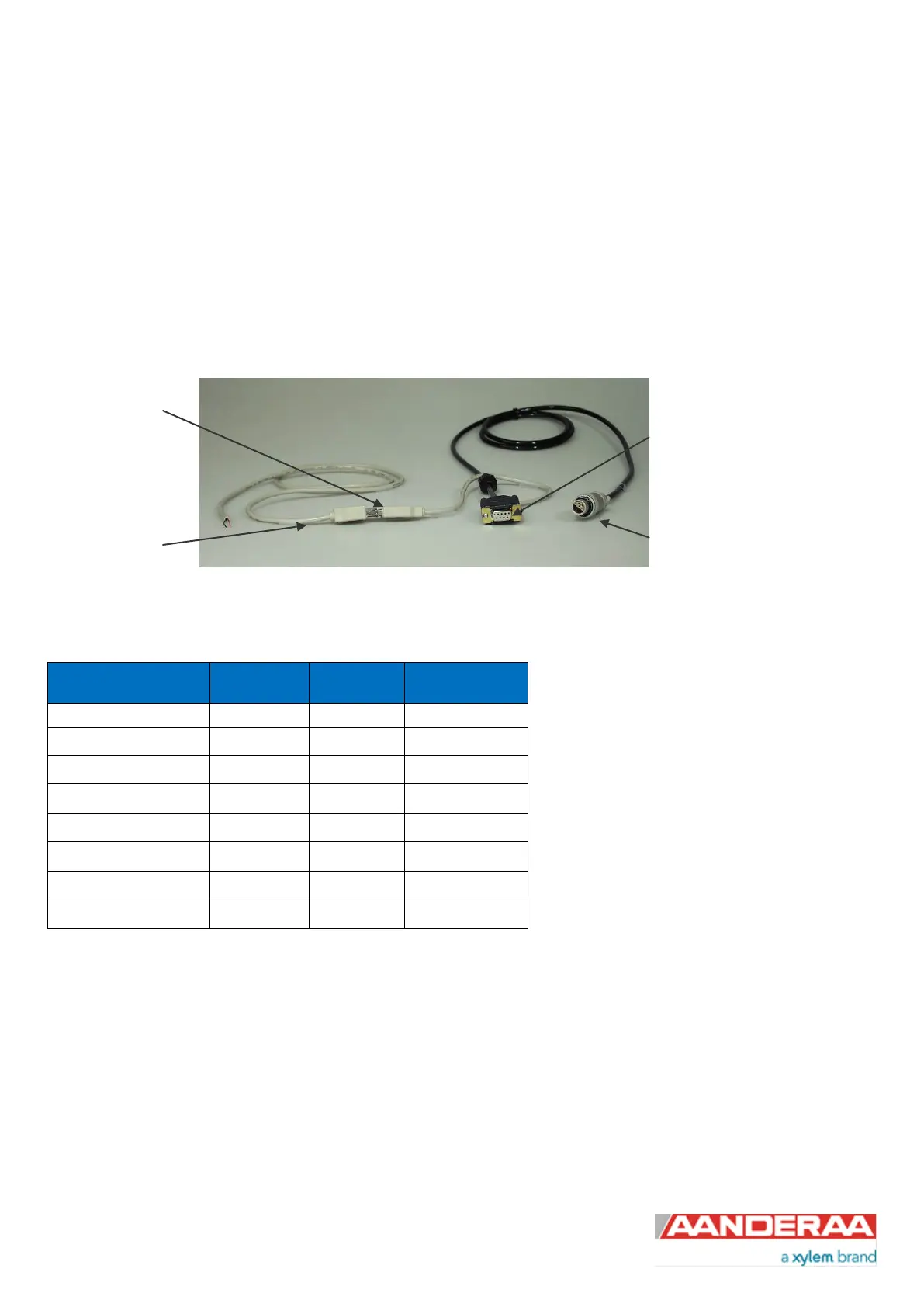
The 3855 cable is a non-watertight 1.5 meter cable for laboratory use only used for connection between sensor and PC
in the office/lab. This cable can also be used to configure all other Aanderaa Smart Sensors.
The cable is supplied with a USB port providing power to the sensor but since the USB port on a computer normally
gives 5V power and the DCS needs 6-14V the sensor cannot be powered from the computer like for most other
Aanderaa Smart Sensors. A USB extension is supplied with the cable so we recommend connecting the free end to an
external power (6-14V). An alternative solution is to use a 9V alkaline battery (6LF22) to set the sensor up or log it in the
laboratory. Sensor Cable 3855 is also available in other lengths.
Figure 1-7: Configuration Cable 3855
Table 1-3: 3855 Cable pin configuration
to the
sensor
USB port for
power supply
external power
supply
(alternative2)
the PC serial
Port



 To Next Page