Page 64 February 2020 – TD 266 OPERATING MANUAL – ZPulse® DCS 4420/4830/4520/4930
Activation X-axis controls active transducers on the X-axis: Alternative settings are 1, 3 or 1+3. Default is 1+3. If there
is a fixed obstruction in front of one transducer this transducer might be turned off by only selecting the other transducer
on that axis.
Activation Y-axis controls active transducers on the Y-axis: Alternative settings are 2, 4 or 2+4. Default is 2+4. If there
is a fixed obstruction in front of one transducer this transducer might be turned off by only selecting the other transducer
on that axis.
Enable Forward Ping. If set to yes the sensor will try to only measure upstream to reduce problems related to
turbulence. If enabled the sensor will start to measure using one transducer on each axis, then it will continue using
these transducers as long as they measure a positive Doppler shift. If one transducer then changes to negative Doppler
shift it will change to the other transducer on the same axis.
When finished with the configuration, click Next twice and wait for the Datalogger to finish the saving of the new
configuration.
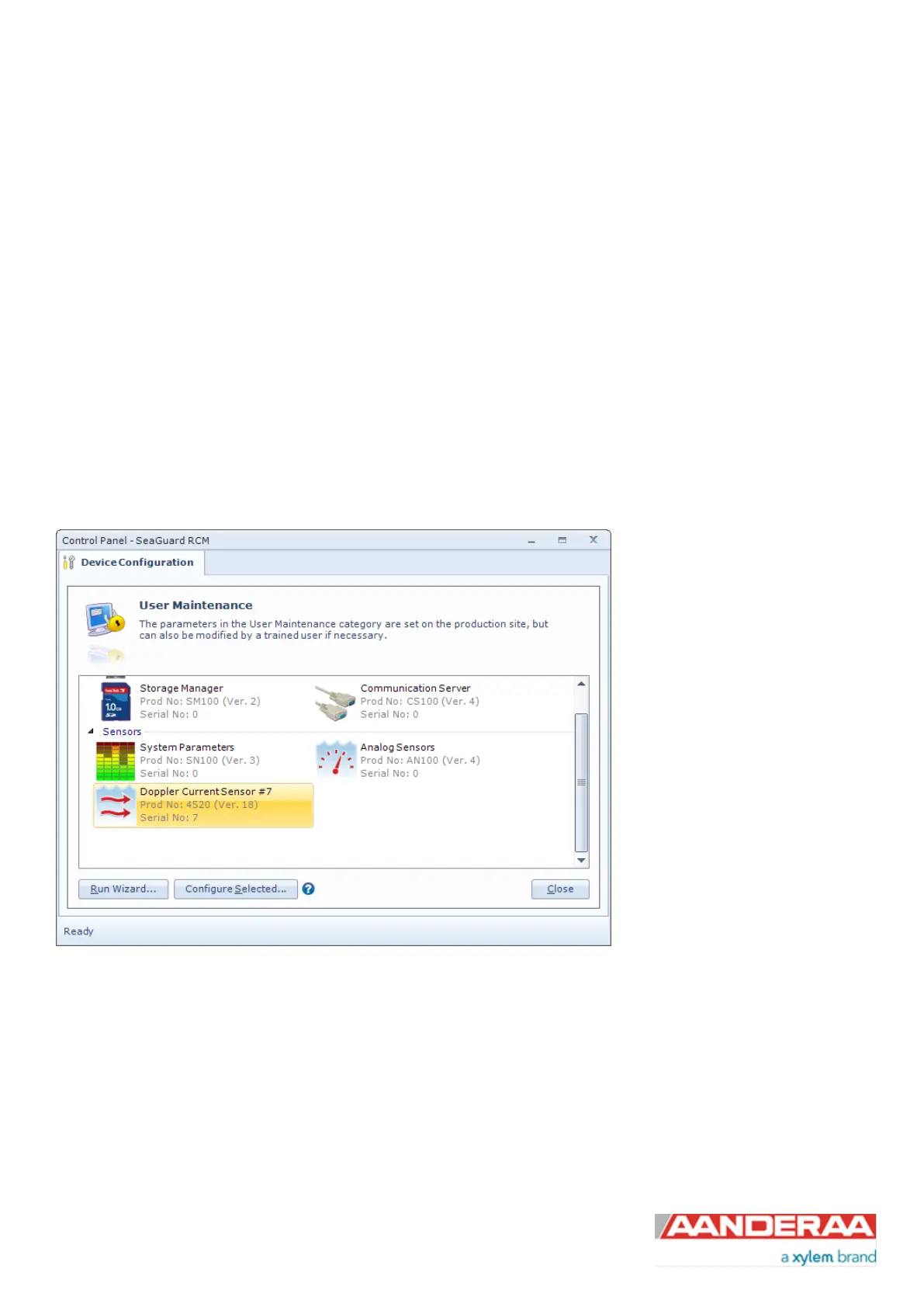
3.13 User Maintenance
Under User Maintenance, (refer
Figure 3-20 and Figure 3-21) you
find properties that are password
protected and are set / altered by a
trained user. It is not recommended
to change properties unless
instructed. To access these, check
the “Include User Maintenance”
box in the device configuration
before clicking on the “Get Current
Configuration…” button. The
password is: 1000. The user
maintenance settings are
accessible by clicking the “Edit…”
button under User Maintenance
Figure 3-34: User Maintenance



 To Next Page