February 2020 – TD 266 OPERATING MANUAL – ZPulse® DCS 4420/4830/4520/4930 Page 39
2.6 User Maintenance settings
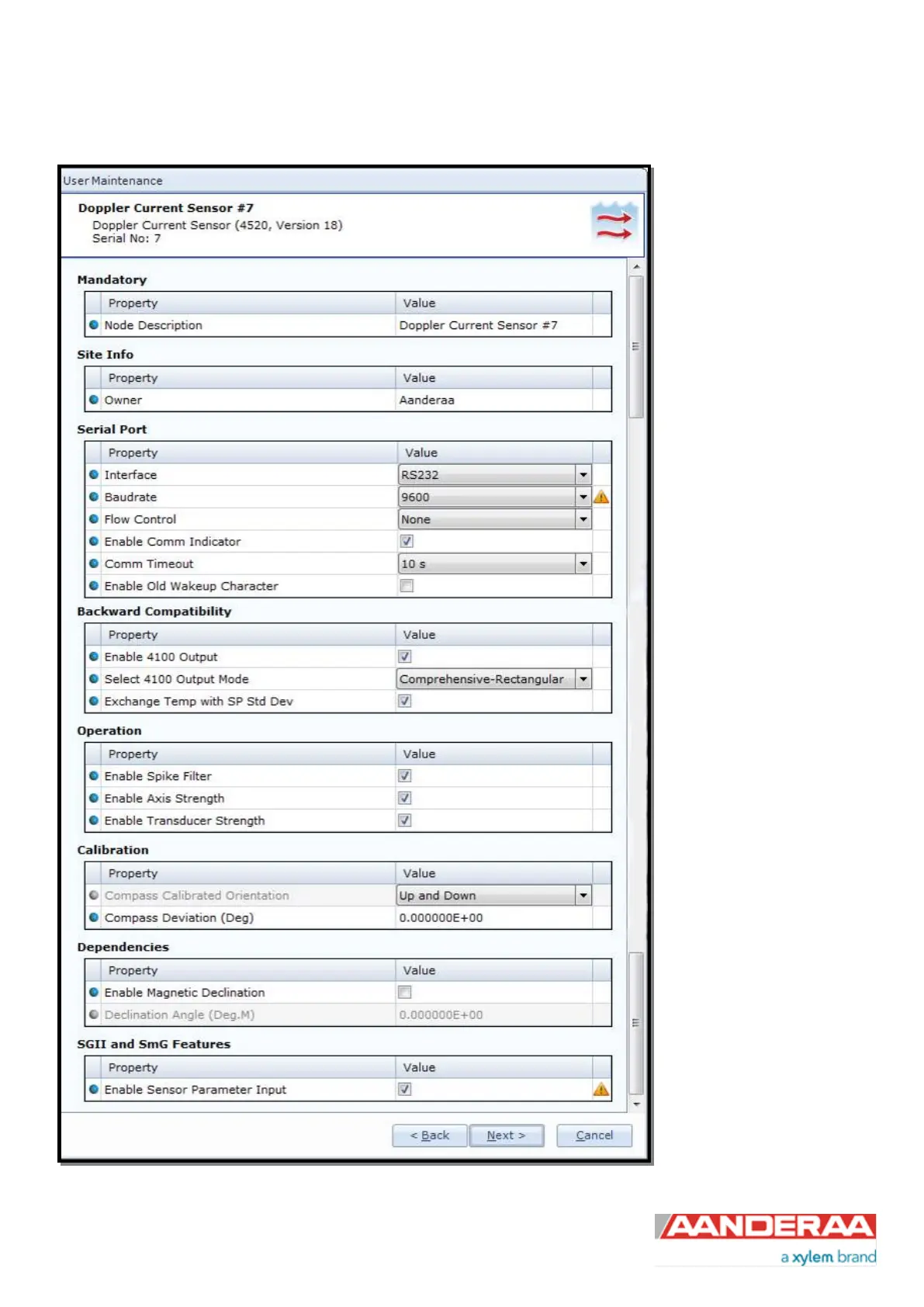
Under User Maintenance,
you find properties that are
password protected and are
normally only set / altered by a
trained user. It is not
recommended to change
properties unless instructed.
To access the User
Maintenance, check the
“Include User Maintenance”
box in the device
configuration before clicking
on the “Get Current
Configuration…” button. The
password is: 1000.
The user maintenance
settings are accessible by
clicking the “Edit…” button
under User Maintenance
(refer to Figure 2-7).
There are 8 groups under
User Maintenance. Each
group are described in
chapter 2.6.1 to 2.6.8.
Figure 2-23: User maintenance



 To Next Page