Page 88 February 2020 – TD 266 OPERATING MANUAL – ZPulse® DCS 4420/4830/4520/4930
CHAPTER 6 Stand-alone Sensor configuration using Smart Sensor Terminal
This chapter describes how to communicate with the Doppler Current Sensor using the RS-232/RS-422 Smart Sensor
Terminal protocol.
6.1 Smart Sensor Terminal communication setup
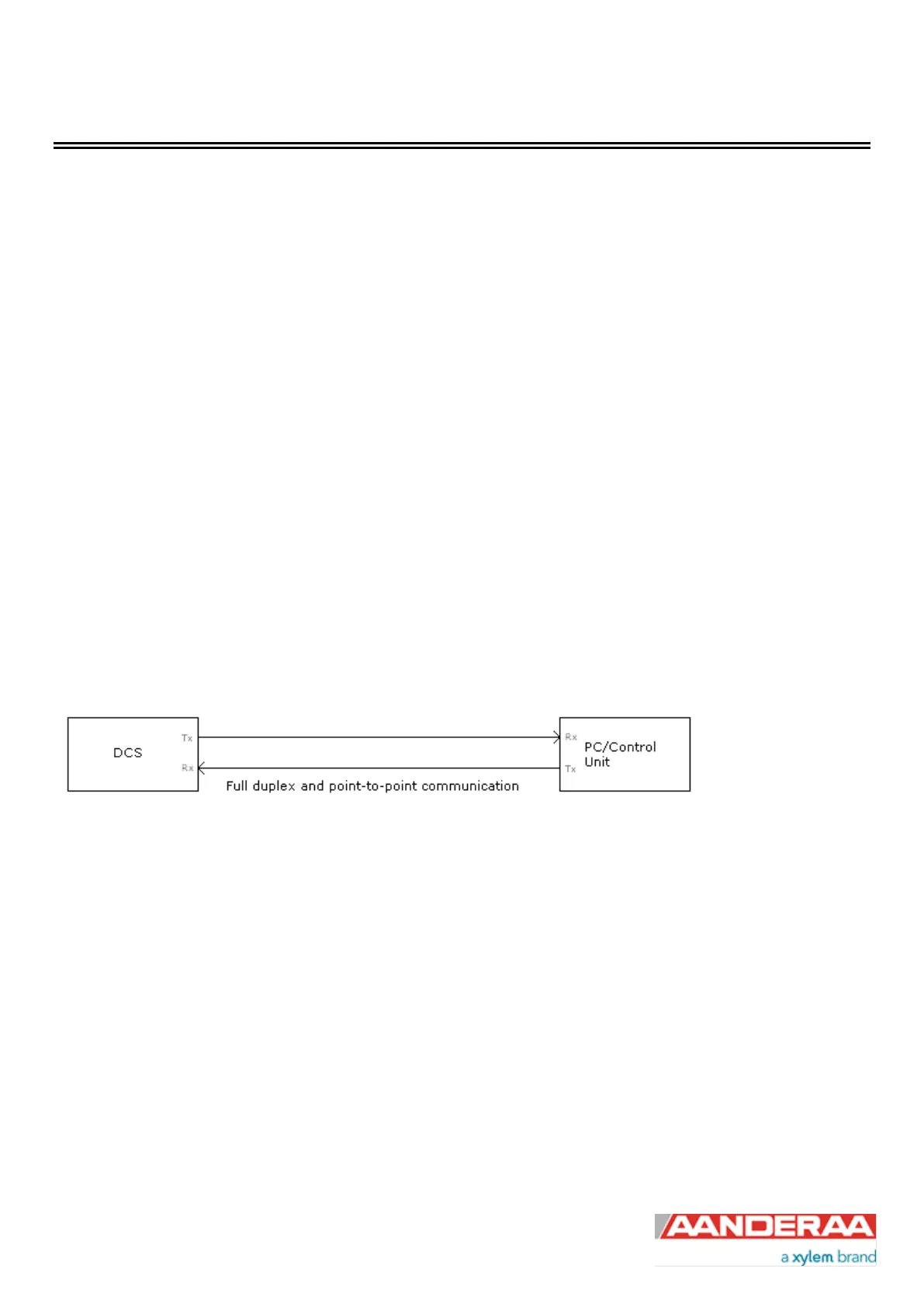
The Sensor communication is a point-to-point full duplex system; the ZPulse® DCS can transmit output data and
receive commands simultaneously (this feature requires that the connected PC can handle Xon/Xoff correctly).
Most terminal programs can be used for Smart Sensor Terminal communication with the sensor when connected to a
PC, e.g. Tera Term. A copy of Tera Term is included on the CD following the sensor. Copy the content of the zip file to
the Program File folder on your PC. Start the teraterm.exe file and the terminal program will start up with standard
sensor setup. The following RS-232/RS-422 setup should be used:
9600 Baud
8 Data bits
1 Stop bit
No Parity
Xon/Xoff Flow Control
*) Note! The options “Send line ends with line feeds” and “Echo line ends with line feeds” in the terminal ASCII
setup must be selected.
Figure 6-1 Point-to-Point Communication RS-232.
6.2 Sensor versions and interface
The 4420, 4520, 4830 and 4930 sensors can be used on a SeaGuard, SeaGuardII and SmartGuard (AiCaP)
Dataloggers or connected to a RS-232 com-port (PC or other devices with RS232 com-port).
The R-version sensor 4420R, 4520R, 4830 and 4930R) supports only RS-422. The R-version wired for RS-422
operation cannot be used for AiCaP operations on SeaGuard, SeaGuardII or SmartGuard Dataloggers.
Sensors with RS-422 output must use a cable designed for RS-422 communication when connected to the PC. If your
PC does not support RS-422, you can purchase an expansion card or you can use an RS-232 port using a RS-232/RS-
422 converter.



 To Next Page