February 2020 – TD 266 OPERATING MANUAL – ZPulse® DCS 4420/4830/4520/4930 Page 93
6.5.3 The Get command
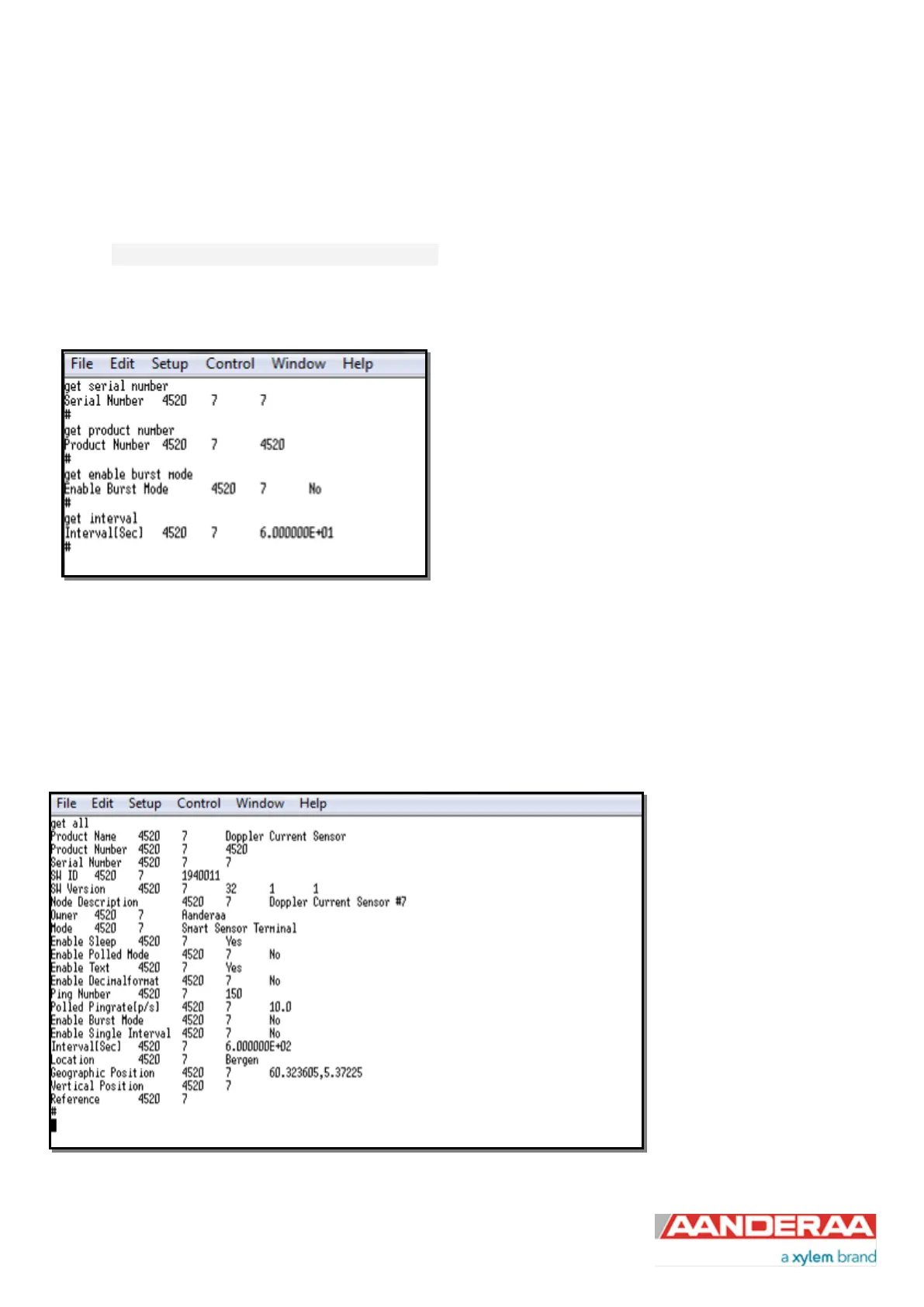
The Get command is used to read the value/values of a property and to read the latest value of a parameter.
The command name Get followed by a Property returns a string in the following format:
Property ProductNo SerialNo Value, ..., Value
The string starts with the name of the property, the product number and serial number of the sensor, and finally the
value of the property.
Figure 6-6: The Get Command
The command name Get followed by a parameter returns the name and unit of the parameter, the product and serial
number of the sensor, and finally the latest parameter reading.
A special version, Get All, reads out all available properties in the sensor. Some properties are passkey protected and
will not be shown without first writing the passkey. To see all user accessible properties, use passkey 1000.
Figure 6-7: Get All command



 To Next Page