Page 94 February 2020 – TD 266 OPERATING MANUAL – ZPulse® DCS 4420/4830/4520/4930
6.5.4 The Set command
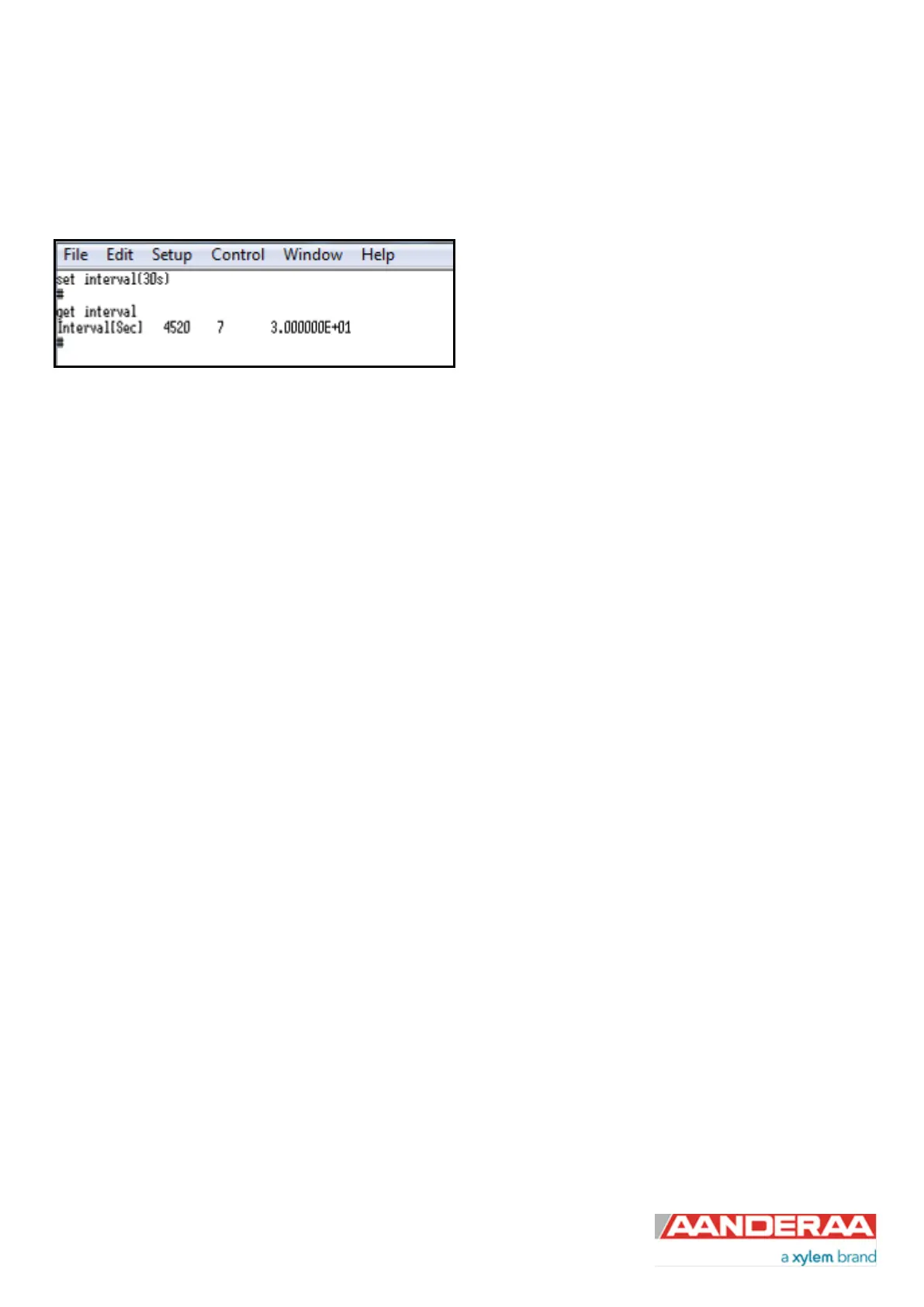
The Set command is used for changing a property. The corresponding Get command can be used to verify the new
setting, as shown in Figure 6-8.
Figure 6-8: The Set Command
Use the Save commands to permanently store the new property value. Remember to always wait for the acknowledge
character ‘#’ after a save before switching off power to the sensor. If the power is lost while saving, the previous
configuration saved to flash is used by the sensor.
The Mode and Baudrate property will require a Reset before the change is executed. All other property changes will be
executed immediately.
Some properties are passkey protected and will not be accessible without first writing the passkey. If the passkey is
needed you get the error message: “ERROR PROTECTED PROPERTY”. Using passkey 1000 opens up all user
accessible property settings.
6.5.5 XML commands
The Get ConfigXML command outputs all available sensor properties in XML-format.
The Get DataXML command outputs all available sensor parameters in XML-format.
The XML-output is a general format shared by all Aanderaa smart sensors; the output from different types of smart
sensors can be read and presented as e.g. in a general smart sensor setup program.
To avoid accidental change, most of the properties are write-protected with a Passkey. There are five levels of access
protection, refer Table 6-2. After a period of inactivity at the serial input, the access level will revert to default. This
period corresponds to the Comm TimeOut setting, or 1 minutes it the Comm TimeOut is set to Always On.



 To Next Page