Collimator Parameters
On systems with an automatic collimator, the collimation is automatically set,
based on the selected exposure.
To use the same collimation setting on subsequent exposures, push the restore
button to restore the collimation setting of the previous exposure.
The collimator parameters are available on the main screen of the tube head
display.
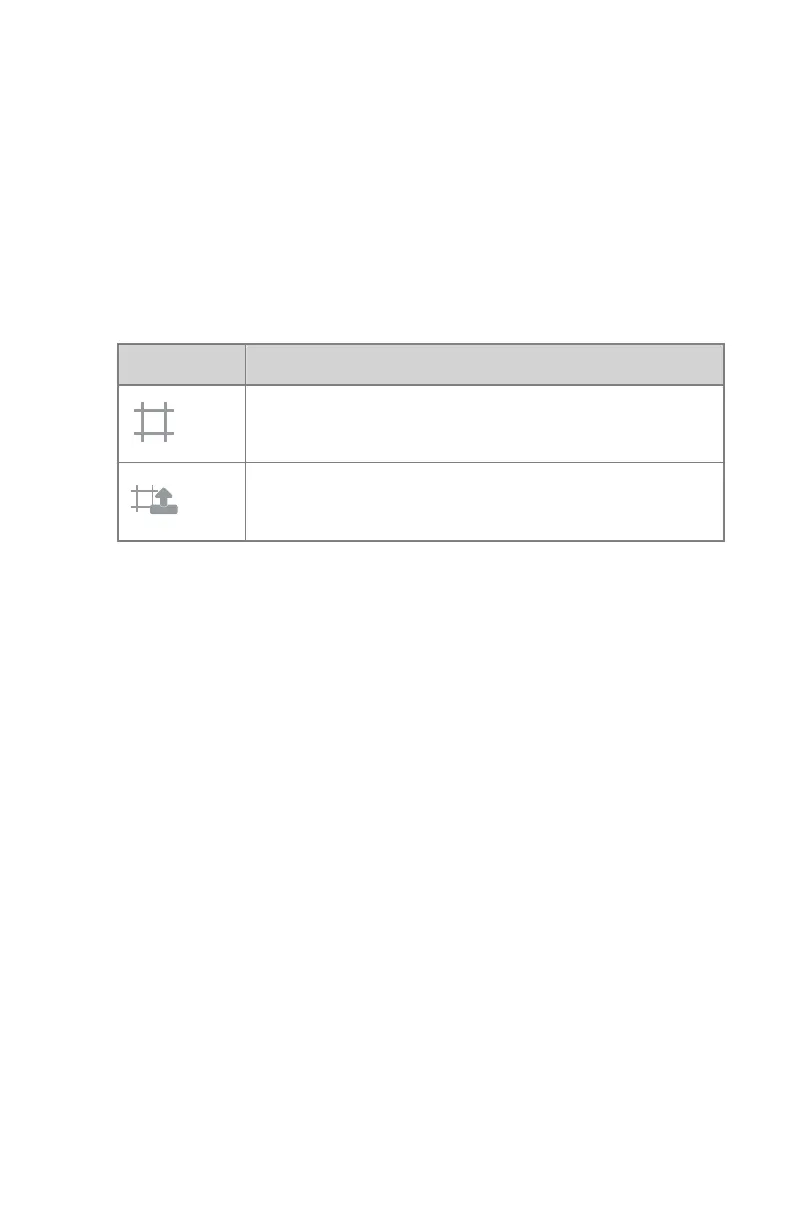
Table 8: Collimator settings
Icon
Description
Readout of the actual collimation setting.
Restore the collimation setting of the previous exposure.
106 | DR 400 | Software Console and Tube Head Display
3231E EN 20210708 1530



 To Next Page