Software Console and Tube Head Display
The software console is displayed on the NX workstation.
On a configuration with tube head display, the software console is displayed
on the tube head display as well. The arrangement and availability of the
controls may be different.
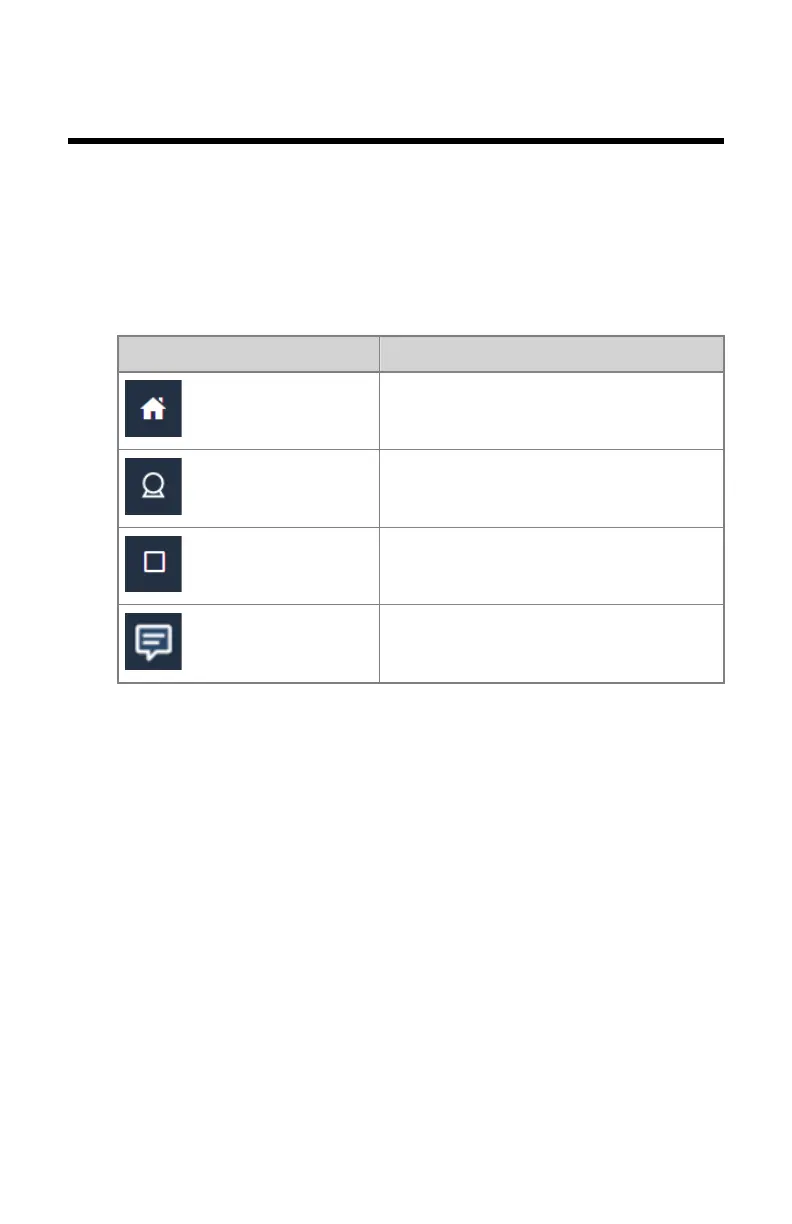
Table 3: Navigation
Navigation button Software console screen
Examination overview
Generator controls
X-ray modality controls
System messages
Topics:
• Action buttons
• Planned exposures
• Image Preview Window
• Main screen of the Tube head display
• X-ray modality status frame
• Generator controls
• X-ray modality controls
• System messages
DR 400 | Software Console and Tube Head Display | 97
3231E EN 20210708 1530



 To Next Page