Radiation status
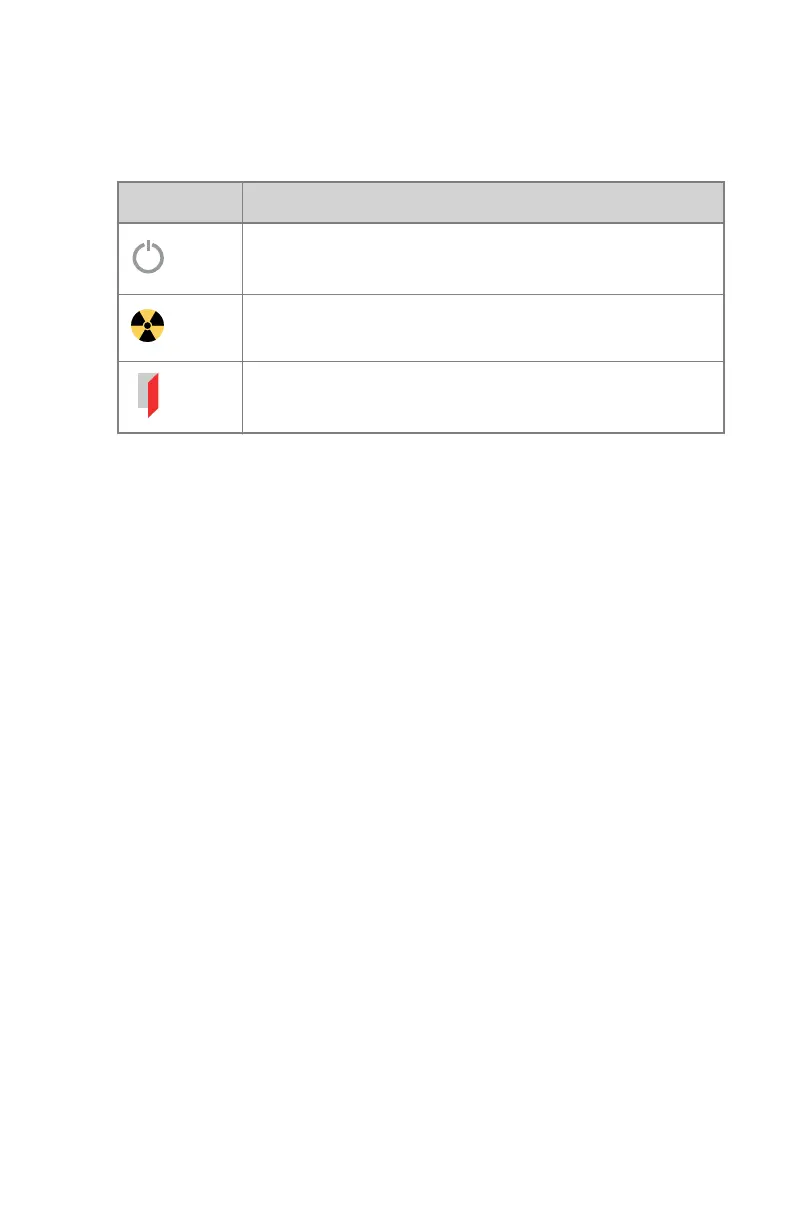
Table 15: Radiation status
Icon Description
The X-ray tube is prepared.
After pressing the exposure button completely, the X-ray ex-
posure is made. The indicator on the console will light up.
The examination room door is open.
Press the exposure button halfway (“Prep” position) to prepare the X-ray tube
for exposure. The indicator will light up when the X-ray tube is prepared and
there are no interlock failures or system faults.
After pressing this push-button, the following functions are activated:
• Anode rotation.
• Filament current switches from stand-by to the selected mA.
DR 400 | Software Console and Tube Head Display | 113
3231E EN 20210708 1530



 To Next Page