Starting and stopping the generator
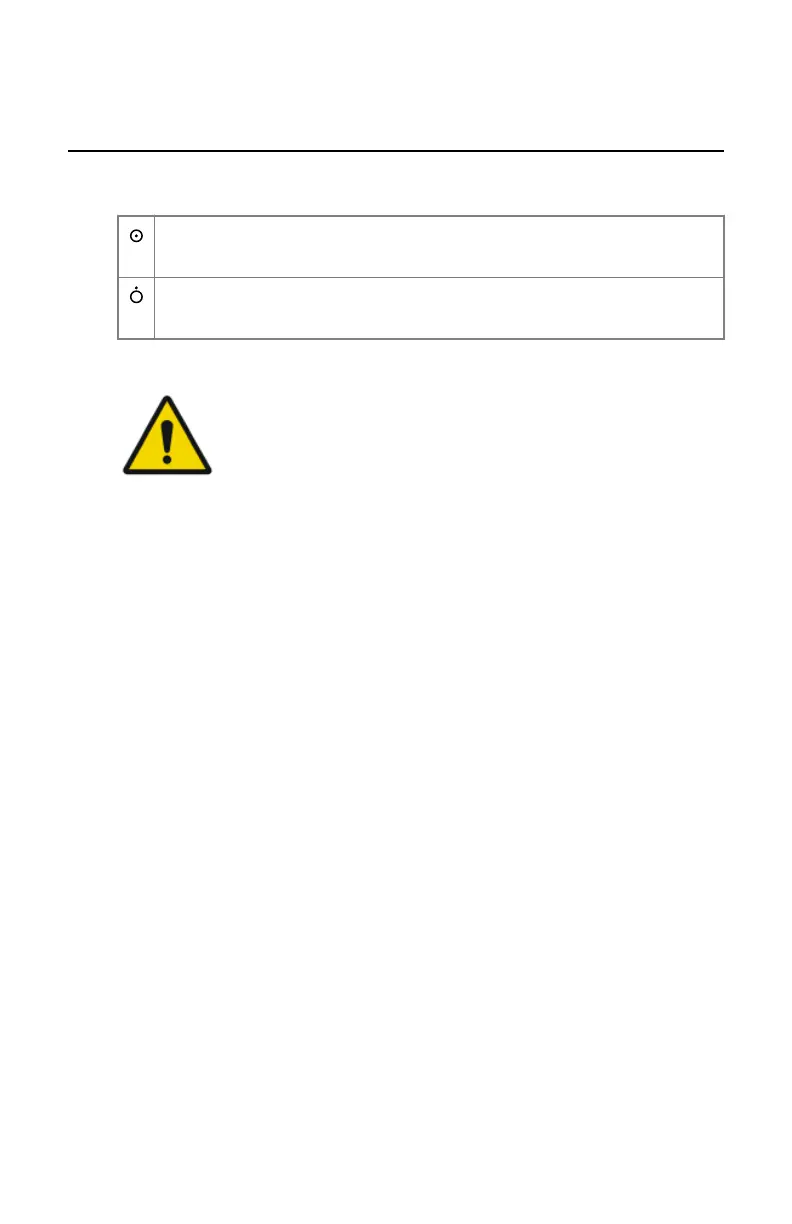
The generator is switched on and off by the power buttons on the X-ray
generator mini console.
Press the Power ON button on the X-ray generator control box to switch
on the generator.
Press the Power OFF button on the X-ray generator control box to
switch off the generator.
Following warning is printed on the X-ray generator mini console in English:
WARNING:
This x-ray unit may be dangerous to patient and operator unless
safe exposure factors, operating instructions and maintenance
schedules are observed.
Related Links
X-ray generator mini console on page 27
192 | DR 400 | X-Ray Generator Mini Console
3231E EN 20210708 1530



 To Next Page