Planned exposures
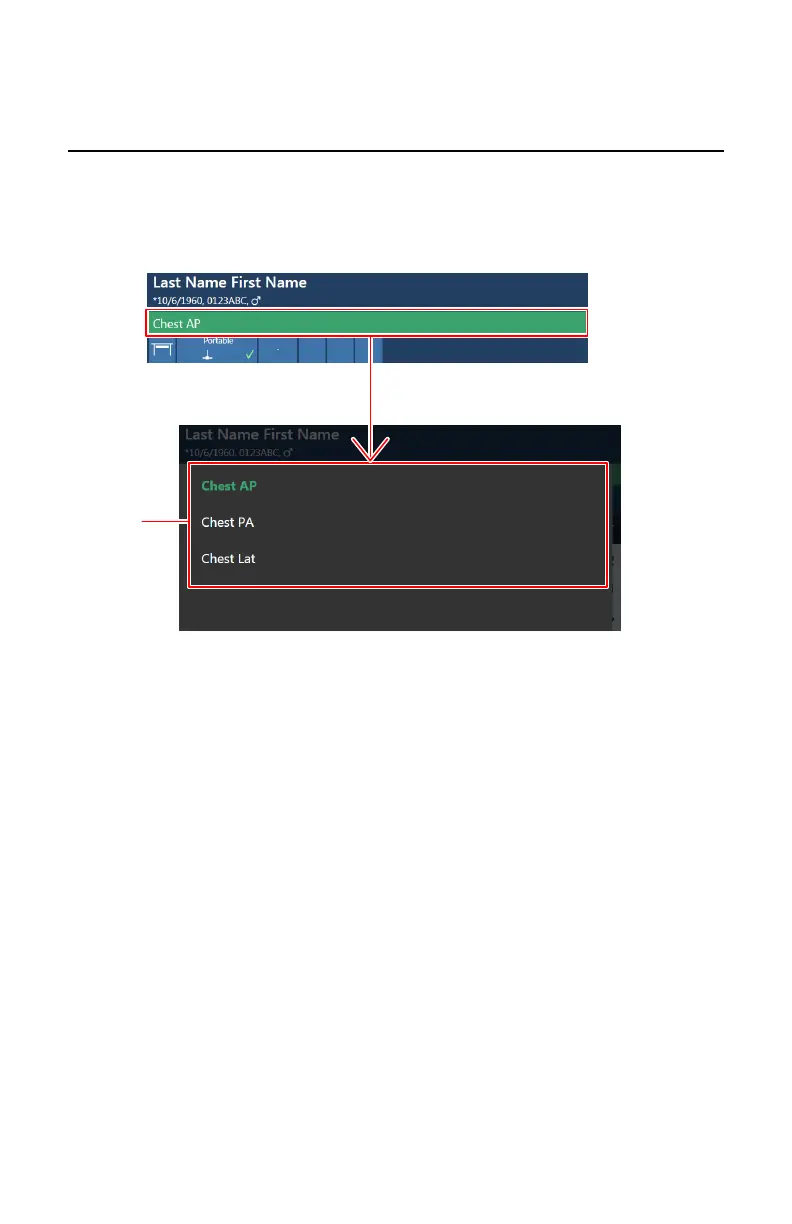
By clicking the status bar, an overview is displayed of the exposures that still
have to be taken for the examination.
Select an exposure to load the default X-ray exposure parameters and to
activate the selected DR Detector.
1.
Status bar
2.
Overview of exposures
Figure 32: Examination overview window
DR 400 | Software Console and Tube Head Display | 99
3231E EN 20210708 1530



 To Next Page