Automatic collimation always too wide or too narrow
Details The collimated area is not adapted correctly to the size
of the cassette or DR Detected inserted in the bucky.
Cause The sensors in the bucky that detect the size of the cas-
sette or DR Detector are dirty or have become weak.
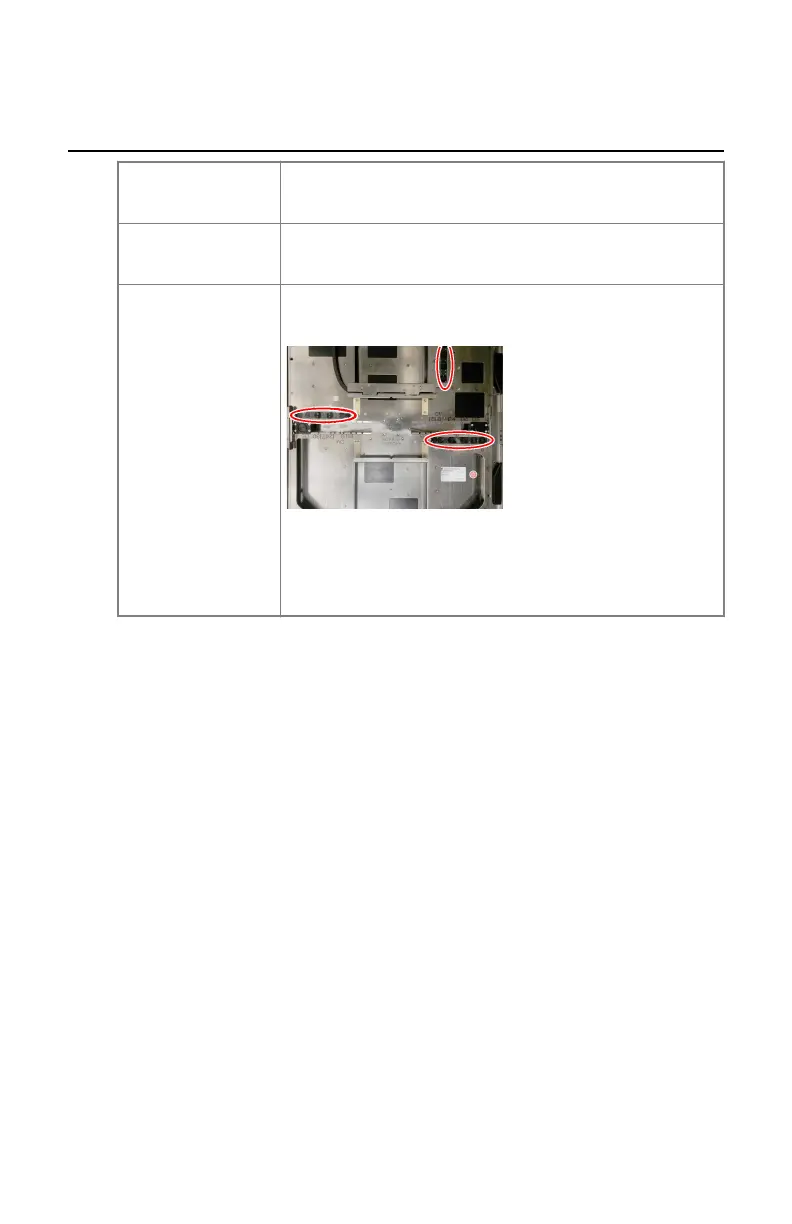
Brief Solution Wipe the sensors in the bucky with a lint-free cloth. If
needed, moisten the cloth with a neutral detergent.
Figure 80: Location of the sensors in the bucky
If the problem persists, contact your local service or-
ganization to exchange the sensors.
DR 400 | Problem solving | 207
3231E EN 20210708 1530



 To Next Page