Positioning the floating tabletop
To release the brake for moving the floating tabletop, double click and hold
the foot pedal. The tabletop can be moved in longitudinal and transversal
direction manually.
To stop movement and activate the brake, release the foot pedal.
Table 23: Movement controls
Foot pedal to release the brake for the floating table top.
Note: When the equipment is switched off, the tabletop can be
moved freely. Pay extra attention when a patient needs to get off
from the table.
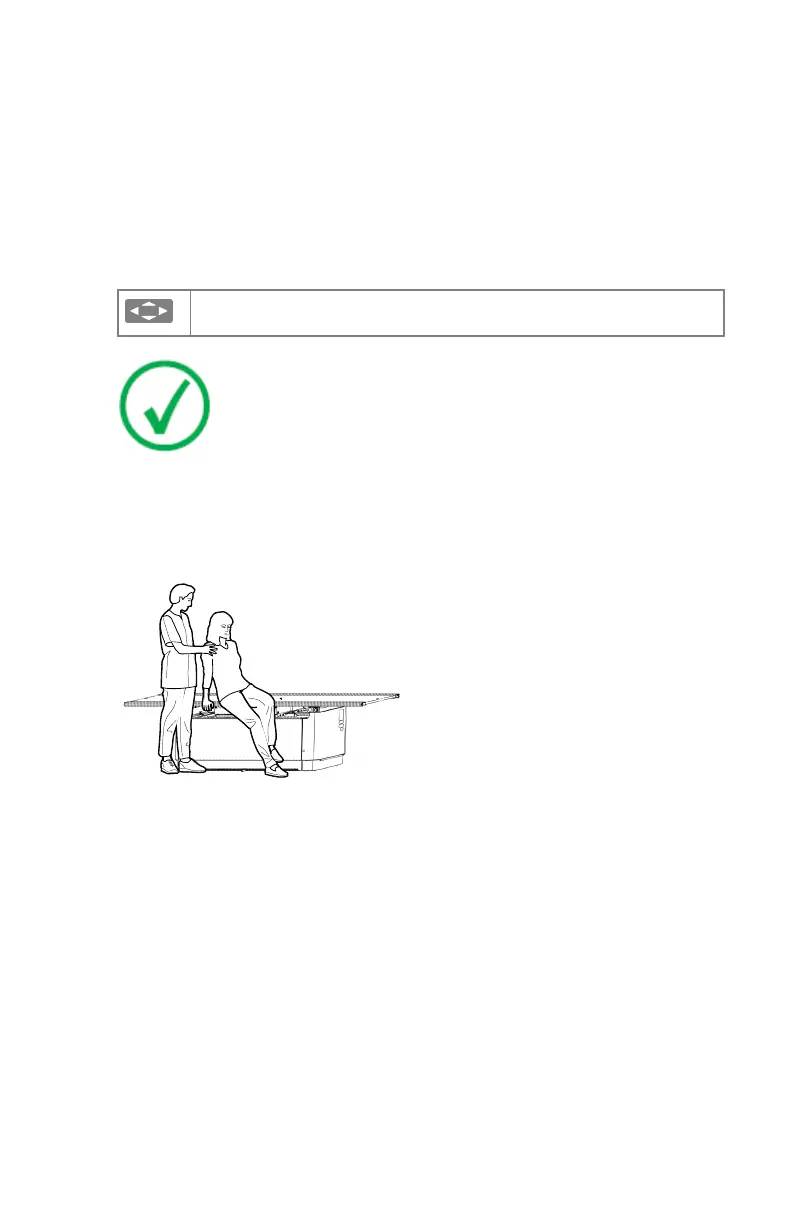
Have the patient get on or off the table in the center of the table. If the table
top is extended to the maximum length at the head or foot end, the patient
must not sit on the end of the table top, since the weight load can lead to table
deformations and damage to the product.
Figure 47: Getting on and off the radiographic table
In case of very heavy patients the table top has to be positioned in center
before the patient getting on. The table top must remain in center also during
examination.
The radiographic table is designed for a maximum patient load of 320 kg.
DR 400 | Radiographic Table and X-Ray Tube Stand | 137
3231E EN 20210708 1530



 To Next Page