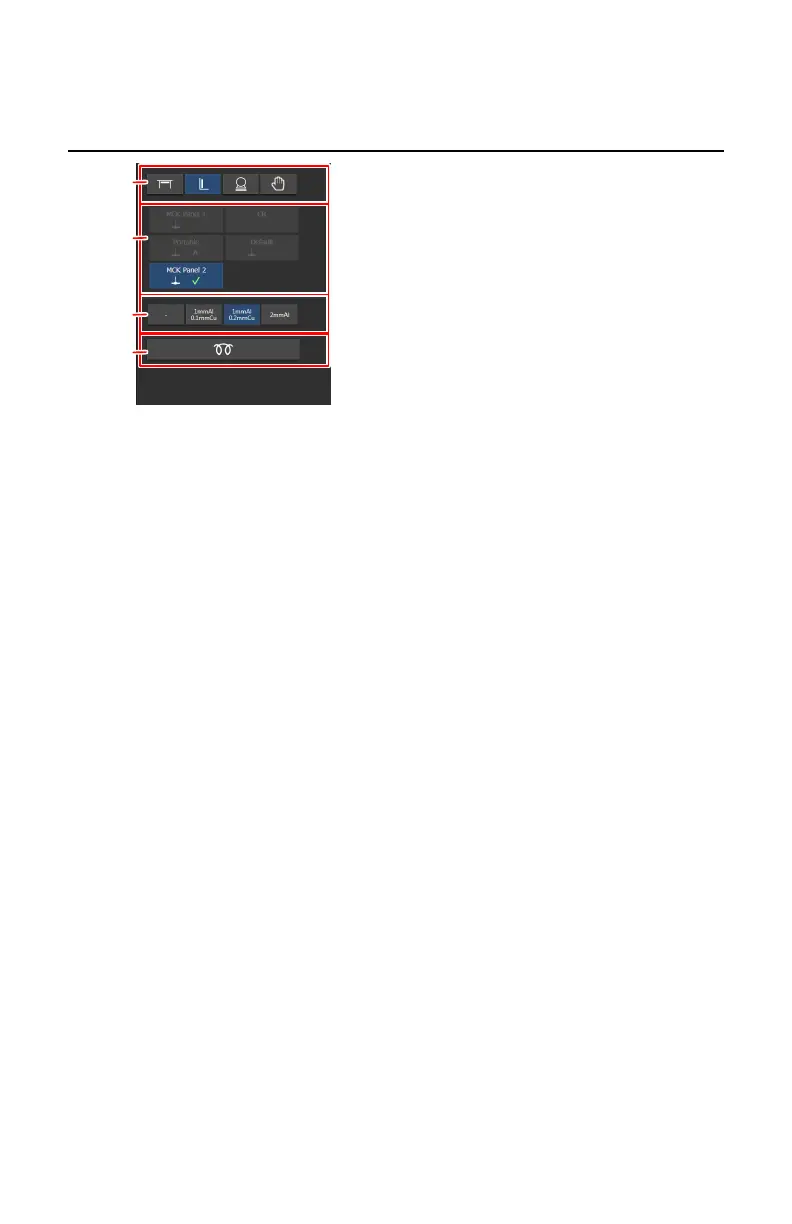
X-ray modality controls
1.
Select the modality position.
2.
Select the DR detector or switch to CR.
All configured detectors are displayed. Only the detectors that can be used
with the selected modality position, can be selected.
3.
Select the filter.
4.
Automated workflow for warming-up of the X-ray tube
Figure 40: X-ray modality controls
126 | DR 400 | Software Console and Tube Head Display
3231E EN 20210708 1530



 To Next Page