Adjusting height
To adjust the height, double click and hold the foot pedal.
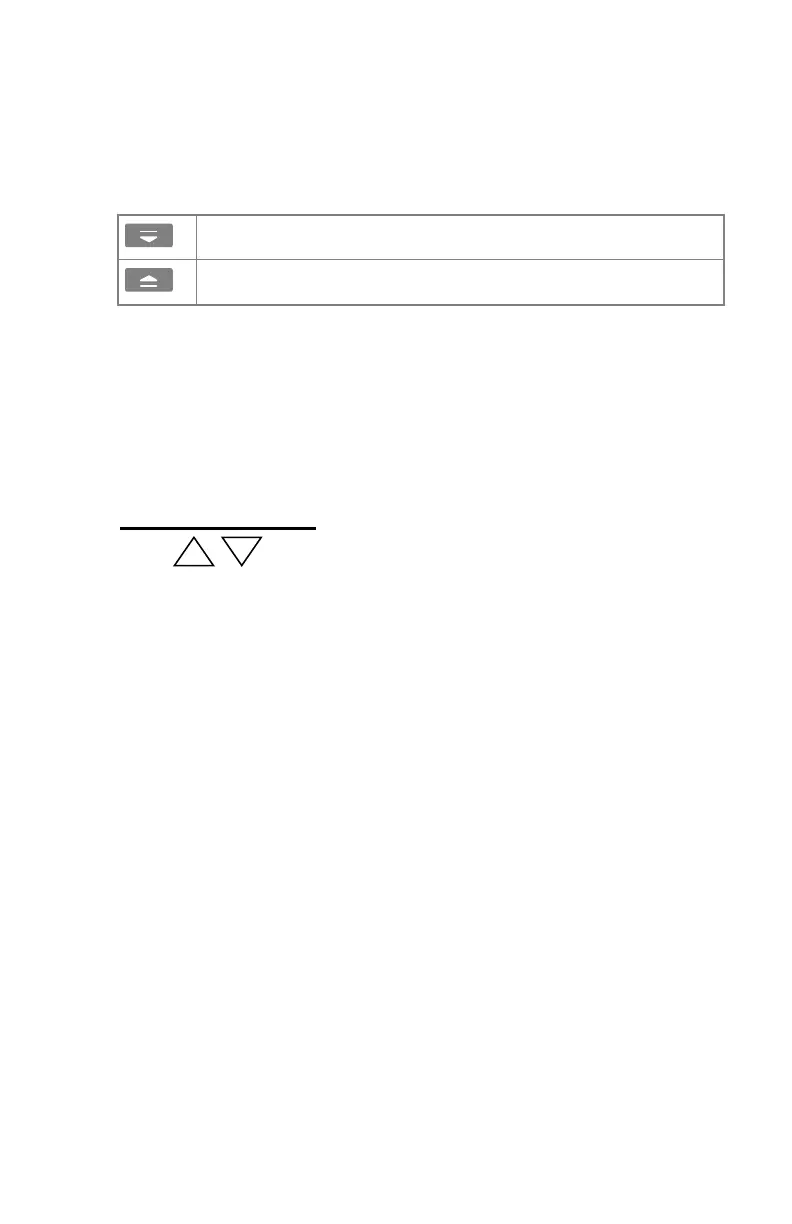
Table 24: Movement controls
Foot pedal to lower table height (minimum 55 cm).
Foot pedal to raise table height (maximum 90 cm).
When minimum or maximum position of the table is reached, the movement
is stopped automatically.
If the standard exposure height stop position (optional) is enabled, the
movement is stopped automatically when the standard exposure height (70
cm) is reached. To continue the movement, release the foot pedal and double
click it again.
Markers on both sides of the table covers indicate the standard exposure
height position.
Figure 48: Standard exposure height
138 | DR 400 | Radiographic Table and X-Ray Tube Stand
3231E EN 20210708 1530



 To Next Page