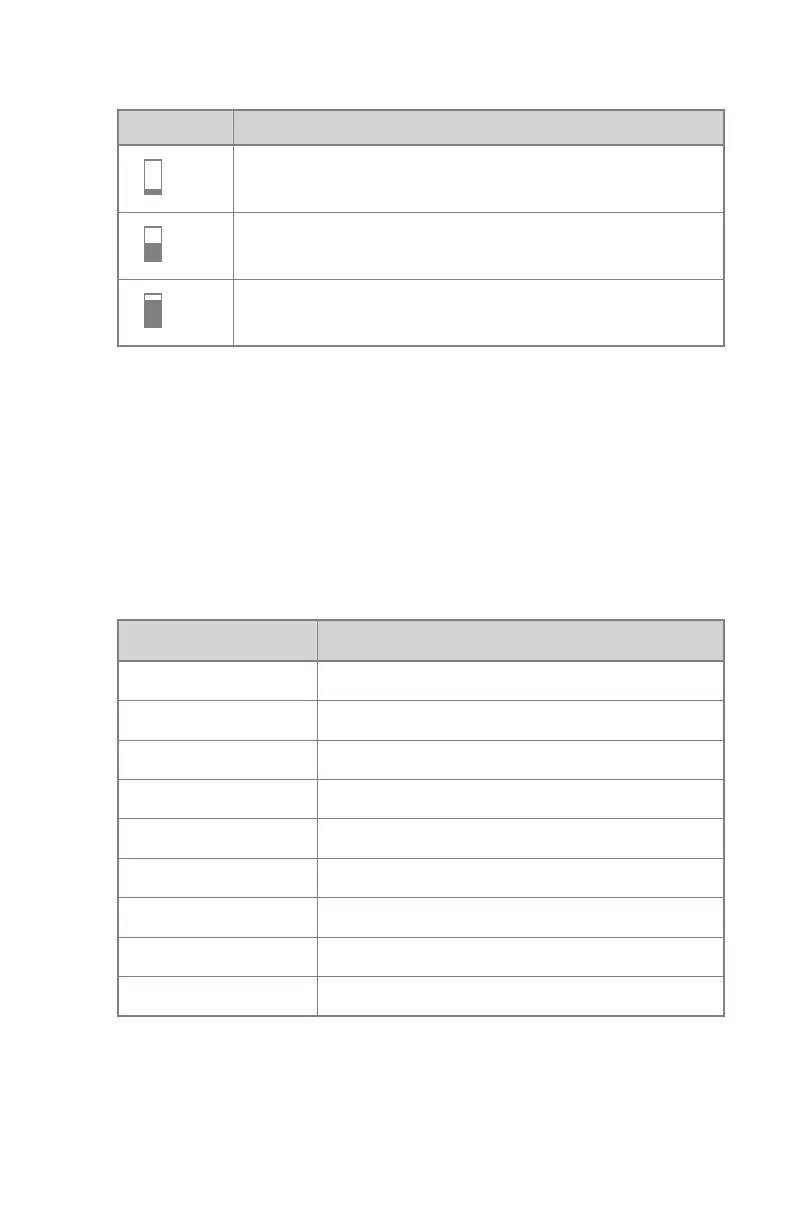
Table 19: Automatic filter
S
low dose
middle dose
high dose
Density
These buttons are used to adjust the AEC cut-off dose (and patient entrance
dose accordingly).
Density can be increased and decreased in a range of -4 to +4. Each step is a
change of one exposure step. An exposure step is a change of approximately
-20% or +25% in dose. When disabled, the density range number appears in
black.
Table 20: Dose variation compared to reference dose
Density
Dose
-4 0.41
-3 0.51
-2 0.64
-1 0.80
0 1 (reference dose)
+1 1.25
+2 1.56
+3 1.95
+4 2.44
Patient Size
The size of the patient is classified in five categories: Extra Small, Small,
Medium, Large and Extra Large.
Touch the UP or DOWN arrows to select the desired patient size.
DR 400 | Software Console and Tube Head Display |
121
3231E EN 20210708 1530



 To Next Page