Starting the exposure
Before starting the exposure:
1. Check if the exposure settings displayed on the console are suitable for the
exposure.
2. Check the Ready for Exposure status.
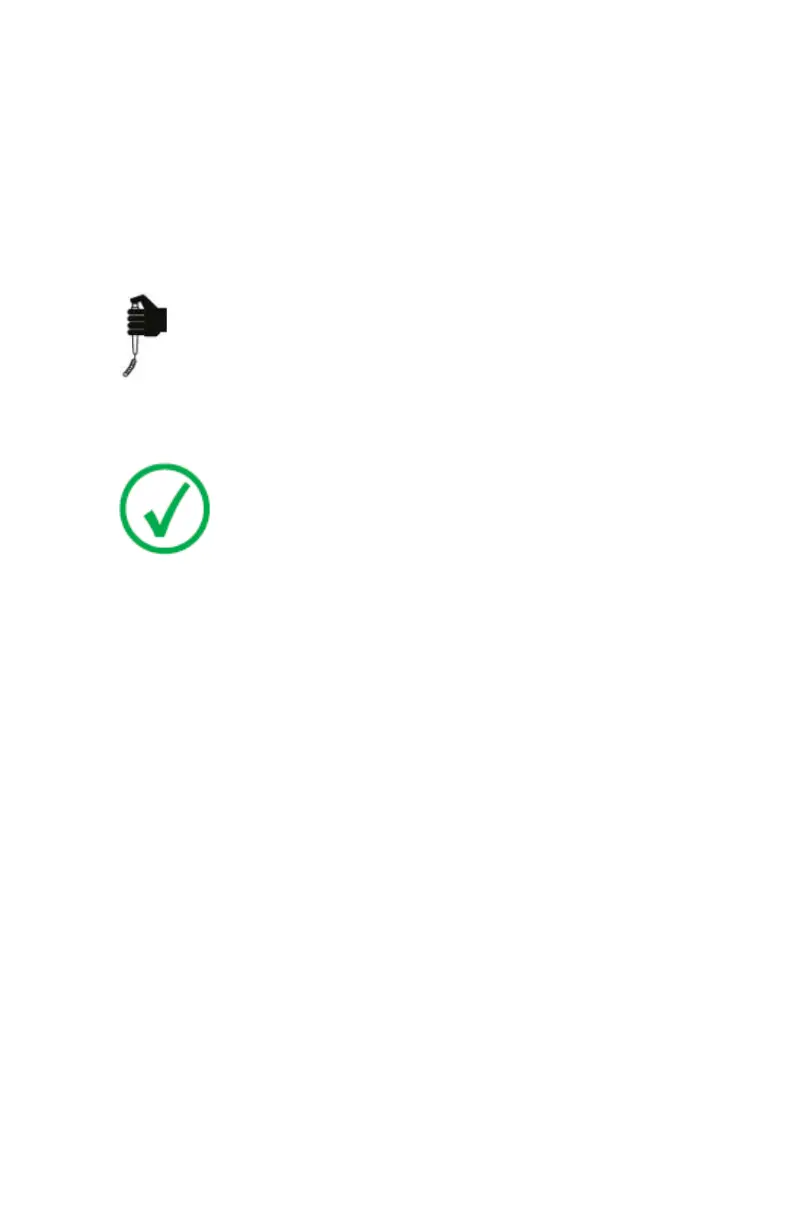
Press the exposure button down fully and keep it pressed until the exposure
has ended.
The radiation indicator on the control console lights up and a signal sounds to
indicate the exposure.
Note: Letting the exposure button go ends the exposure
immediately and the exposure can be underexposed.
28 | DR 400 | Introduction to DR 400
3231E EN 20210708 1530



 To Next Page