99
Chapter 9:
Various Settings (Q-Link Functions, Setup Mode)
• Press the corresponding function key to execute the function.
[F1] [F2] [F2]
Press a function key to
execute the function.
Press a function key to
execute the function.
What Q-Link functions offer
You can select the following functions and set the following items and functions using Q-Link functions.
■ Auto Punch function → page 100
• Switching the Repeat function on and off
• Switching the Rehearsal function on and off
• Switching the Auto Punch In/Out function on and off
■ Sync/Clock function → page 100
• Setting the Vari Pitch function
• Selecting the type of sync operation for the DPS16 and external devices (MTC master, MTC slave, MIDI
clock master)
• Selecting the clock source (internal clock, external clock) for DPS16 operation
■ Track View function → page 101
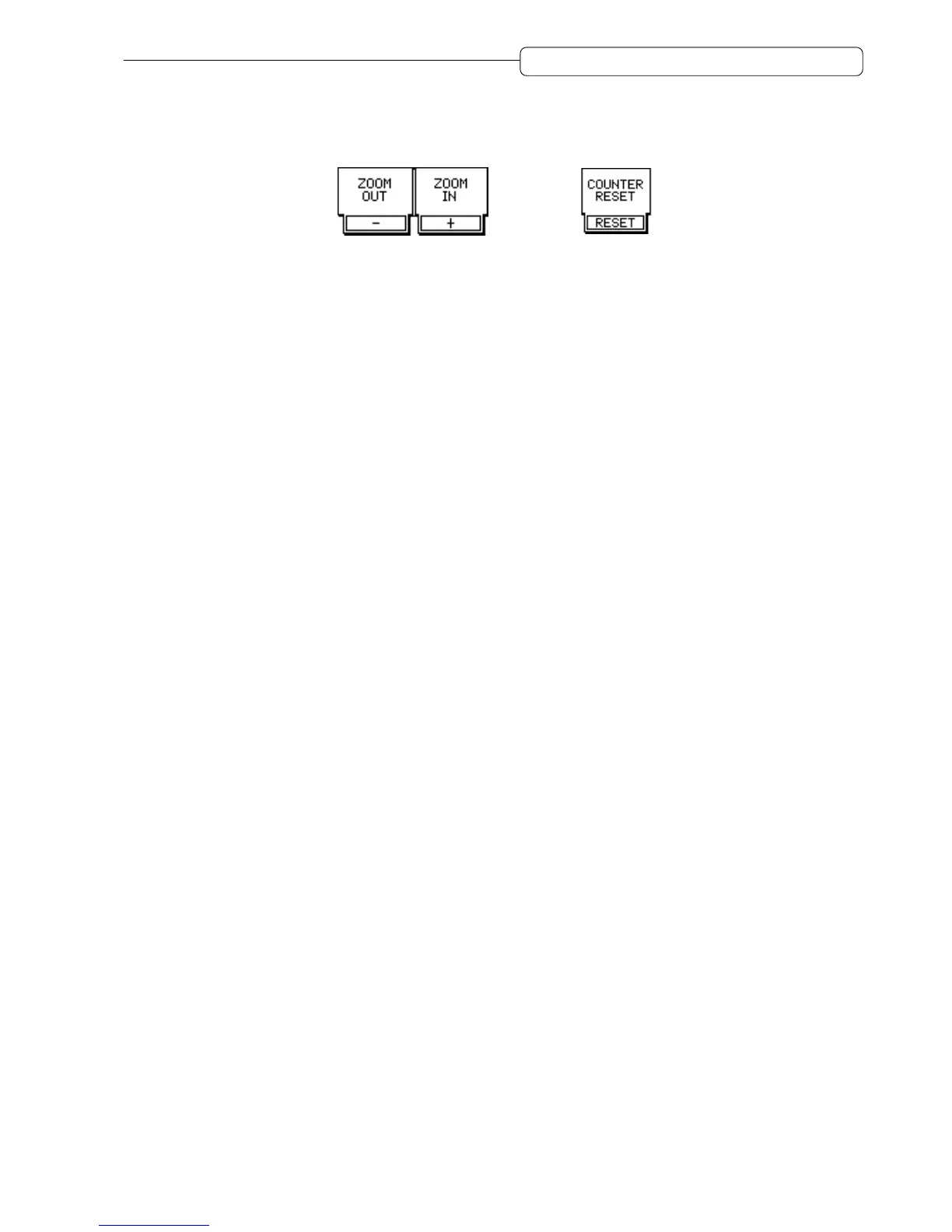
• Zoom in/out of Track View screen
■ Time Display function → page 102
• Selecting the type of time counter (absolute time, relative time)
• Resetting the current time to zero
■ Meter/Monitor function → page 102
• Selecting whether the level meter indicates the pre- or post-fader signal level
• Selecting a signal source which the level meter indicates (tracks 1–16, AUX buses 1–4, effect return 1–4, ping-
pong bus L/R)
• Selecting a signal to monitor on the record ready track while the DPS16 plays


 To Next Page