Section 6 Correction Software
6-16
Select the directory to store the data file by following the instructions below.
(1) Select the “Refer” button of section [6] on the “Measured Result Output Device
Selection Screen” shown in Fig. 6-9. This causes the “Data File Storage Direc-
tory Selection Screen.”, shown in Fig. 6-11, to appear together with the current
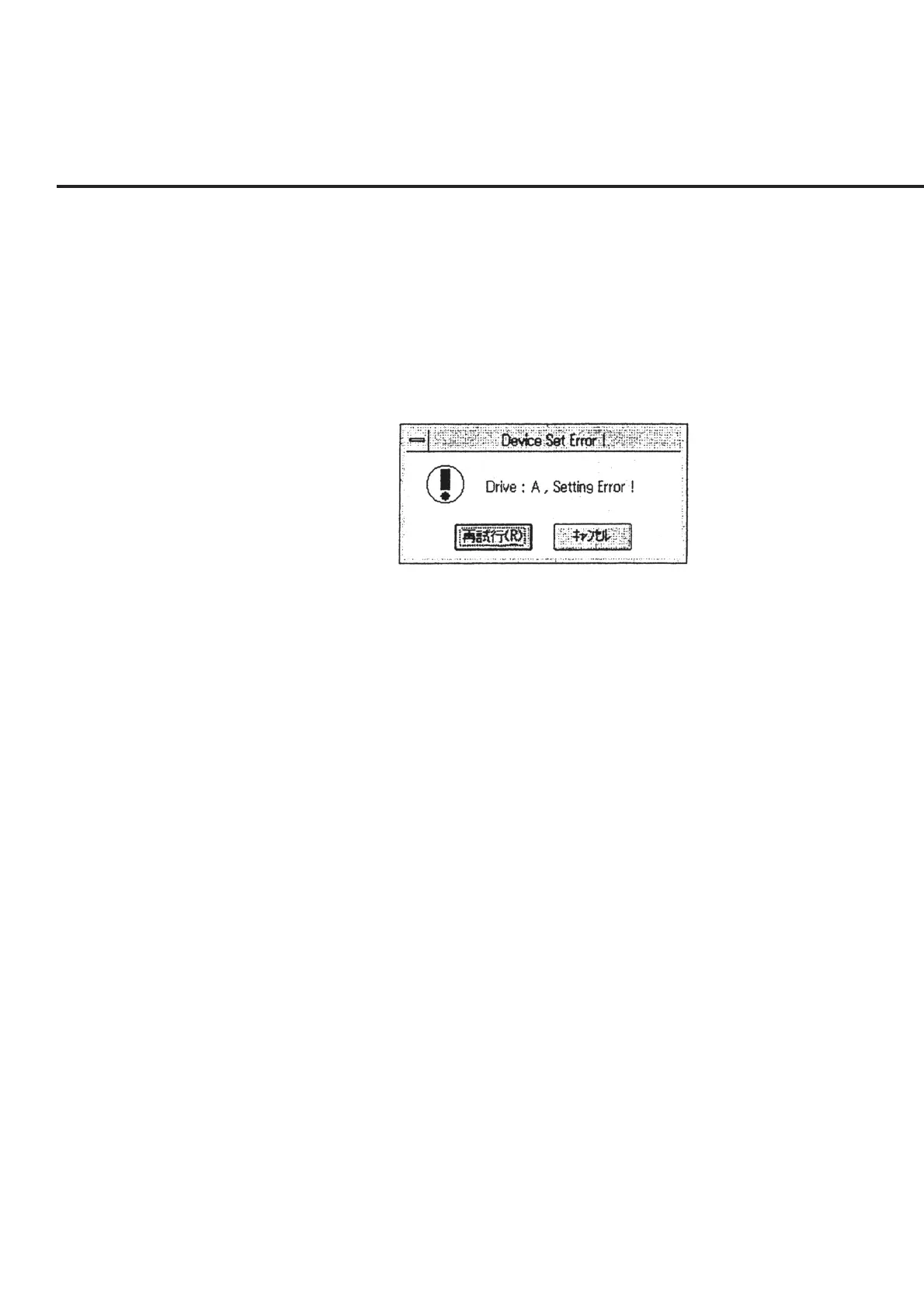
set values. Incidentally, when no default disk drive is set, an error message as
shown in Fig. 6-12 appears. Selecting “Cancel” in this message box causes the
screen to return to the “Measured Result Output Device Selection Screen” shown
in Fig. 6-9.
Fig. 6-12 Drive Setting Error Message
(2) Select the disk drive to store the data file in section [3]. When the number of
DUT to be measured is set at 1 on the “Initial Menu Screen,” shown in Fig. 6-4,
selecting a disk drive other than the floppy disk causes execution of the measure-
ment to result in an error. See 6.7.4 “Items Confirmed Before Start of Measure-
ment” for more information on the matters needing confirmation prior to mea-
surement start.
(3) Select a directory to store the data file from the list of directories displayed in section
[1]. Like (2) above, when a directory other than MT8801 is selected for the mea-
surement of a single DUT, execution of the measurement results in an error.
(4) When the directory where you want to store the data file is not found in the list of
directories displayed in section [1], input a path directly into the directory display
section of [2]. A maximum of 8 alphanumeric characters for one directory layer
may be input.



 To Next Page