6-17
6.6 Operation
(5) Check the path displayed in section [2] and click the “OK” button of section [4].
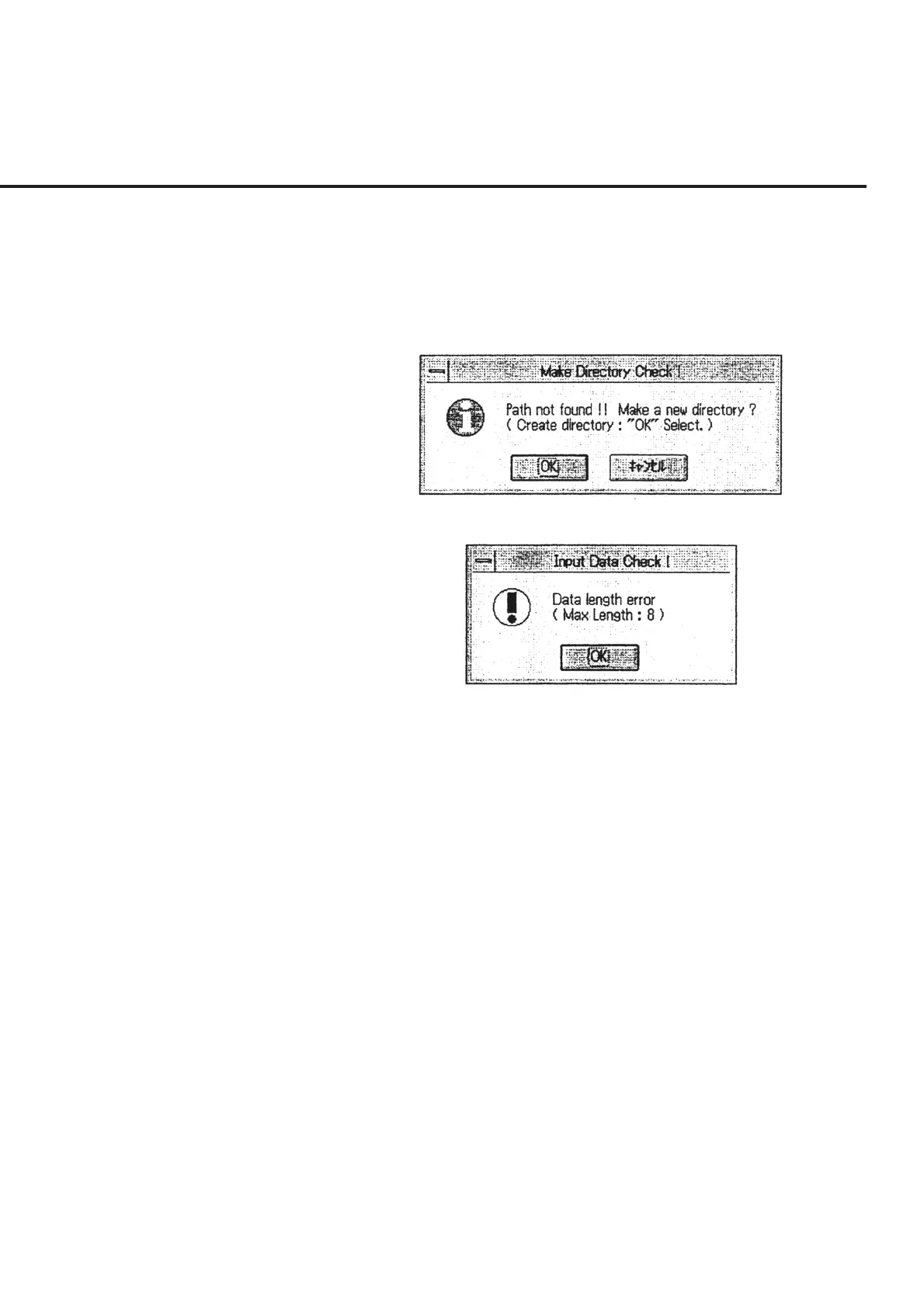
When a new directory name is input in section (4), a message requesting confir-
mation of directory creation as shown in Fig. 6-13 is displayed. To create a new
directory, click the “OK” button. When the characters input as the name of a
single directory layer exceeds 8 digits, a message as shown in Fig. 6-14 is dis-
played. Check the number of digits of the input directory name.
Fig. 6-13 Message Requesting Confirmation of New Directory Creation
Fig. 6-14 Input Data Error Message



 To Next Page