6-29
6.6 Operation
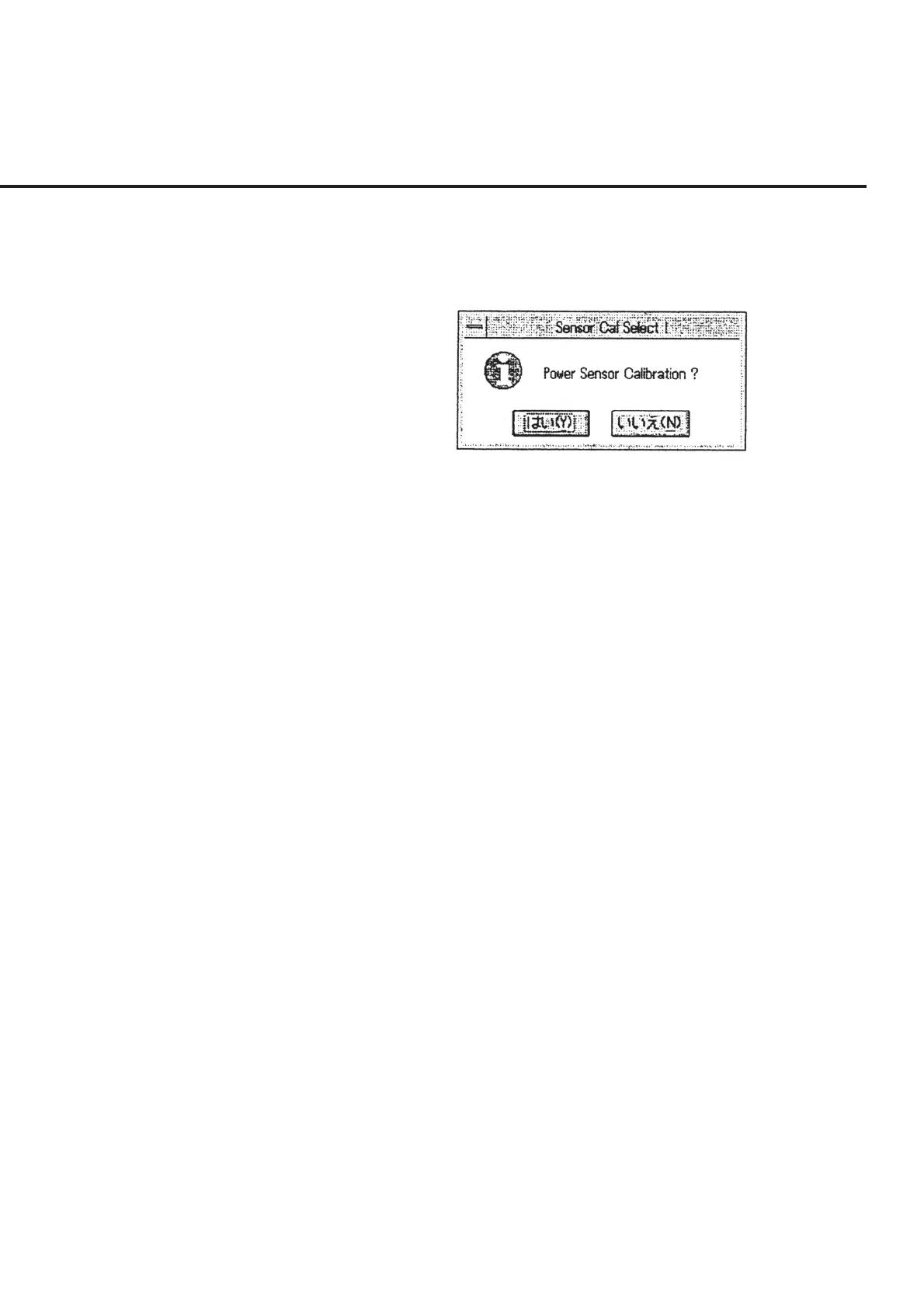
(7) When connection is completed, a message requesting confirmation of the power
sensor calibration, as shown in Fig. 6-25, is displayed. Select the “Yes” button to
perform calibration. Selecting the “No” button causes the screen to return to the
“Initial Menu Screen” shown in Fig. 6-4.
Fig. 6-25 Power Sensor Calibration Confirmation Message
(8) When the “Yes” button is selected in the confirmation message box shown in Fig.
6-25 above, a connection diagram is displayed in the manner described in 6.6.9
“Connection Confirmation Message Display.” Perform connection as shown in
the figure and execute calibration.



 To Next Page