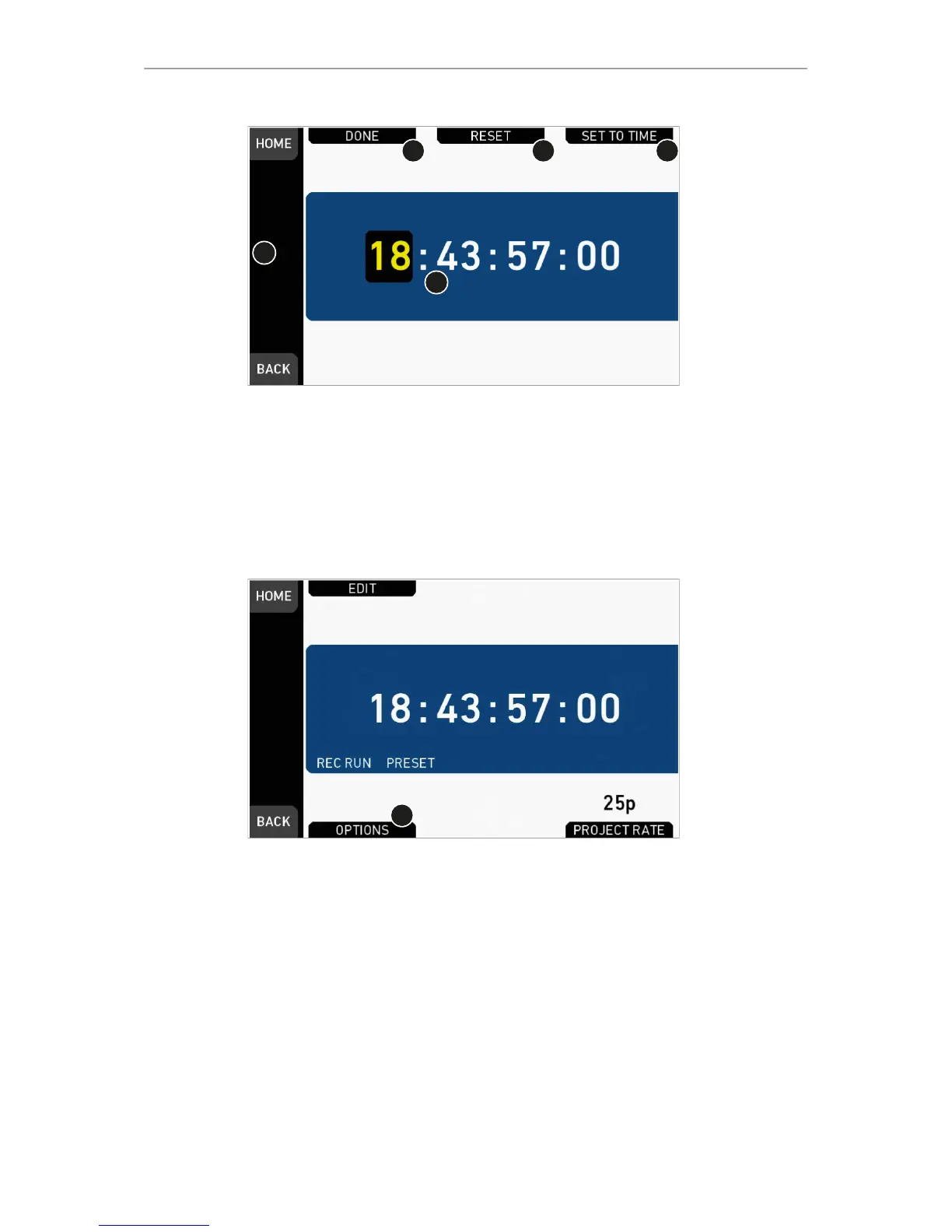
7. For TC = 00:00:00:00: Press RESET (3).
8. For TC = current system time: Press SET TO TIME (4).
9. Via jogwheel (1), you can change each value:
°
Scroll up or down to increase/decrease.
°
Press the wheel to select the next digit pair (5).
10. Press DONE (2) to save the changes. Cancel with BACK.
11. The Timecode editor closes.
12. If applicable: Press OPTIONS (1) to set/change the timecode modes or (dis)able
Regen:



 To Next Page