Digital Video Recorder
11
Setup Screen
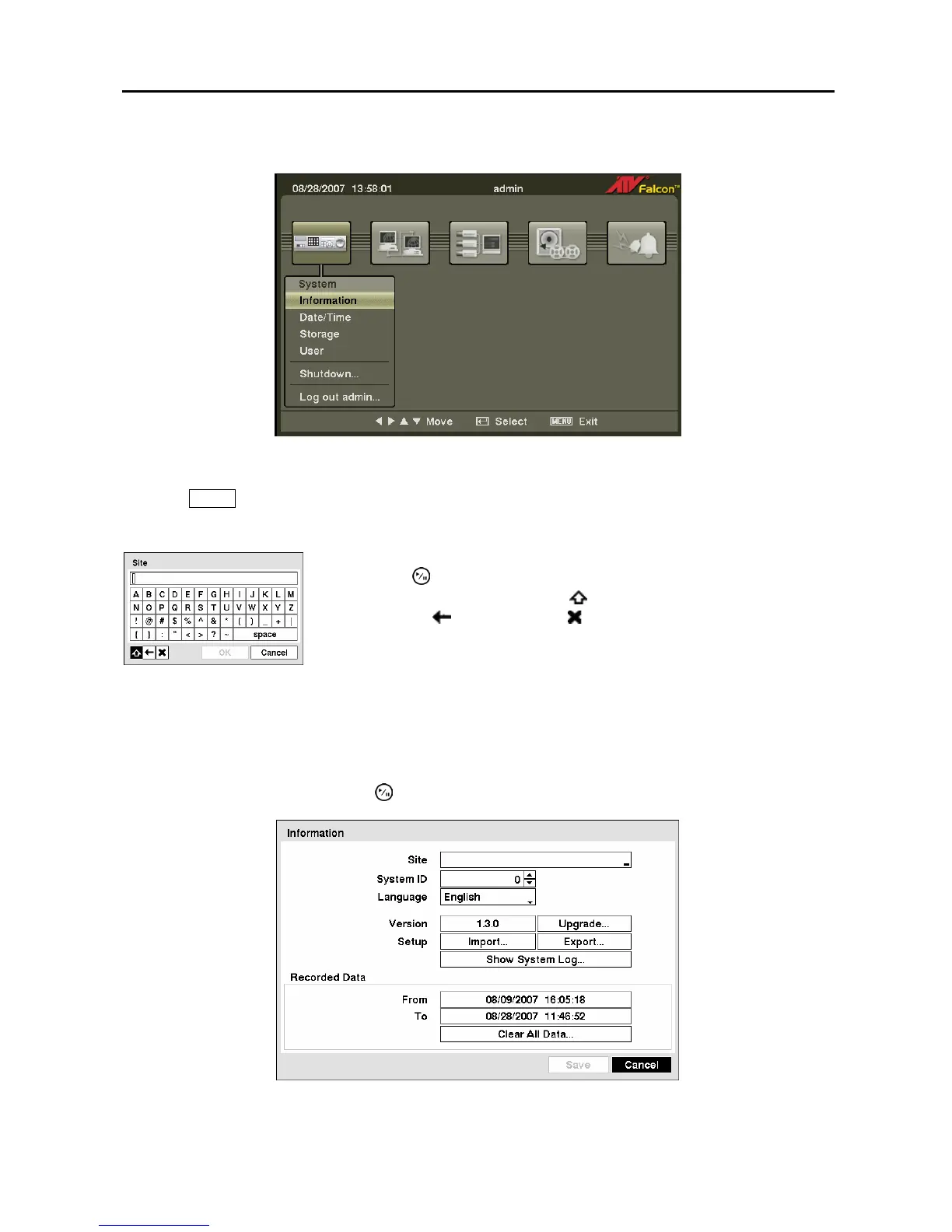
Figure 5 ─ Setup screen.
Press the MENU button to enter the setup screen. While setting up the DVR, there will be many
opportunities to enter names and titles. When making these entries, a Virtual Keyboard will appear.
System Information
Highlight Information and press the button. The Information screen appears.
Figure 7 ─ Information screen.
Figure 6 ─ Virtual
Keyboard.
Use the arrow keys to highlight the character you want in the name or title
and press the
button. That character appears in the title bar and the cursor
moves to the next position. Pressing toggles between the upper and lower
case keyboards,
backspaces, and deletes entered characters. You can
use up to 31 characters including spaces in your title.
Special characters can be created using ^ and a capital letter; e.g., ^J for NL
(New Line), ^M for CR (Carriage Return). Special characters are commonly
used by text input devices and will be useful when performing Text-In
Searches.



 To Next Page