Digital Video Recorder
77
Appendix D ─ Troubleshooting
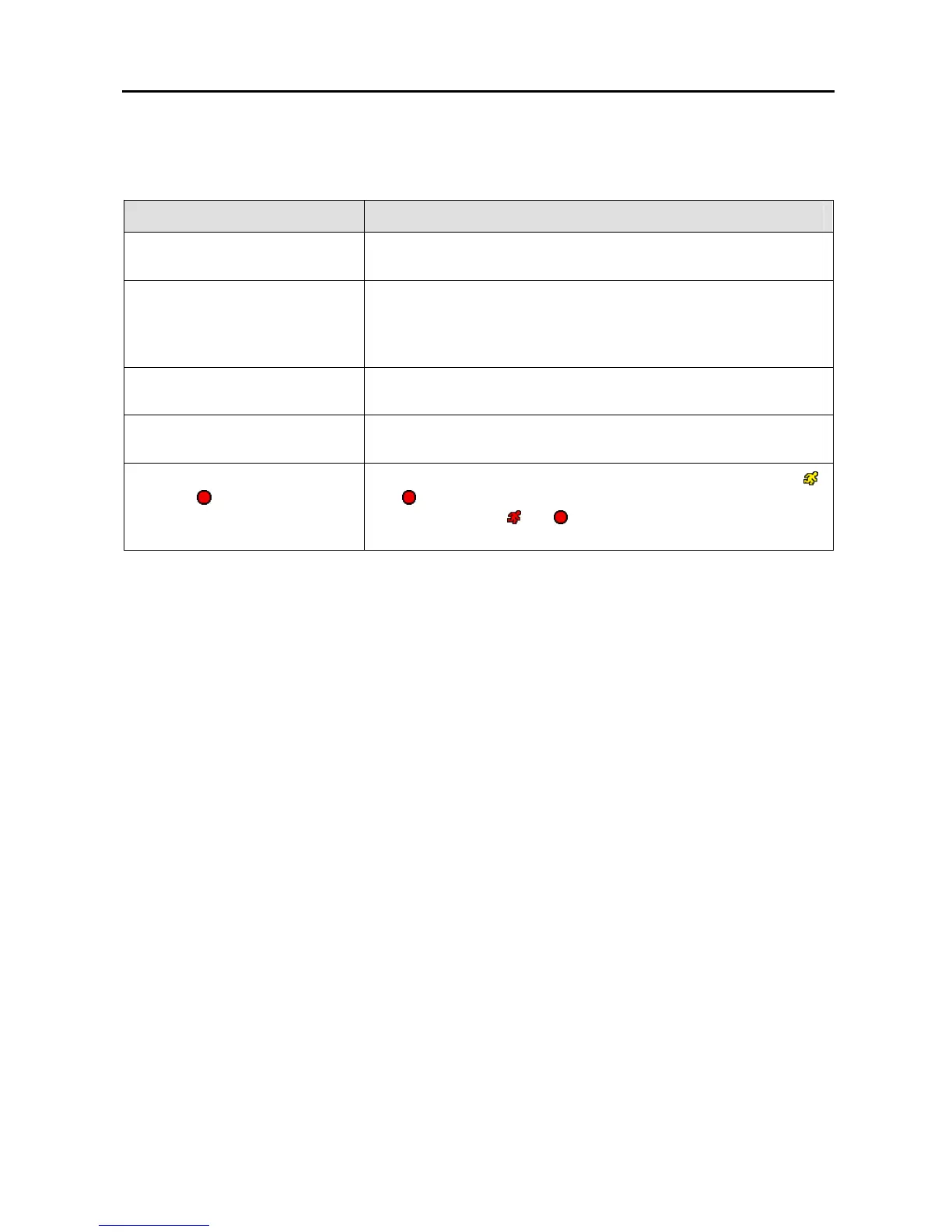
Problem Possible Solution
No Power
y Check power cord connections.
y Confirm that there is power at the outlet.
No Live Video
y Check camera video cable and connections.
y Check monitor video cable and connections.
y Confirm that the camera has power.
y Check camera lens settings.
Live Video Very Bright
If a cable is attached to the “Loop” connector, make certain it is
connected to a properly terminated device.
DVR has stopped recording
If hard disk drive is full, you will either need to delete video or set
the DVR to the Overwrite Mode.
The icon displays, however,
the DVR is not recording.
When the DVR is in the Pre-Event recording mode, the yellow
and
display when there is no event, and the DVR is not
recording. The red
and
display when any event occurs and
the DVR starts recording.



 To Next Page