User’s Manual
34
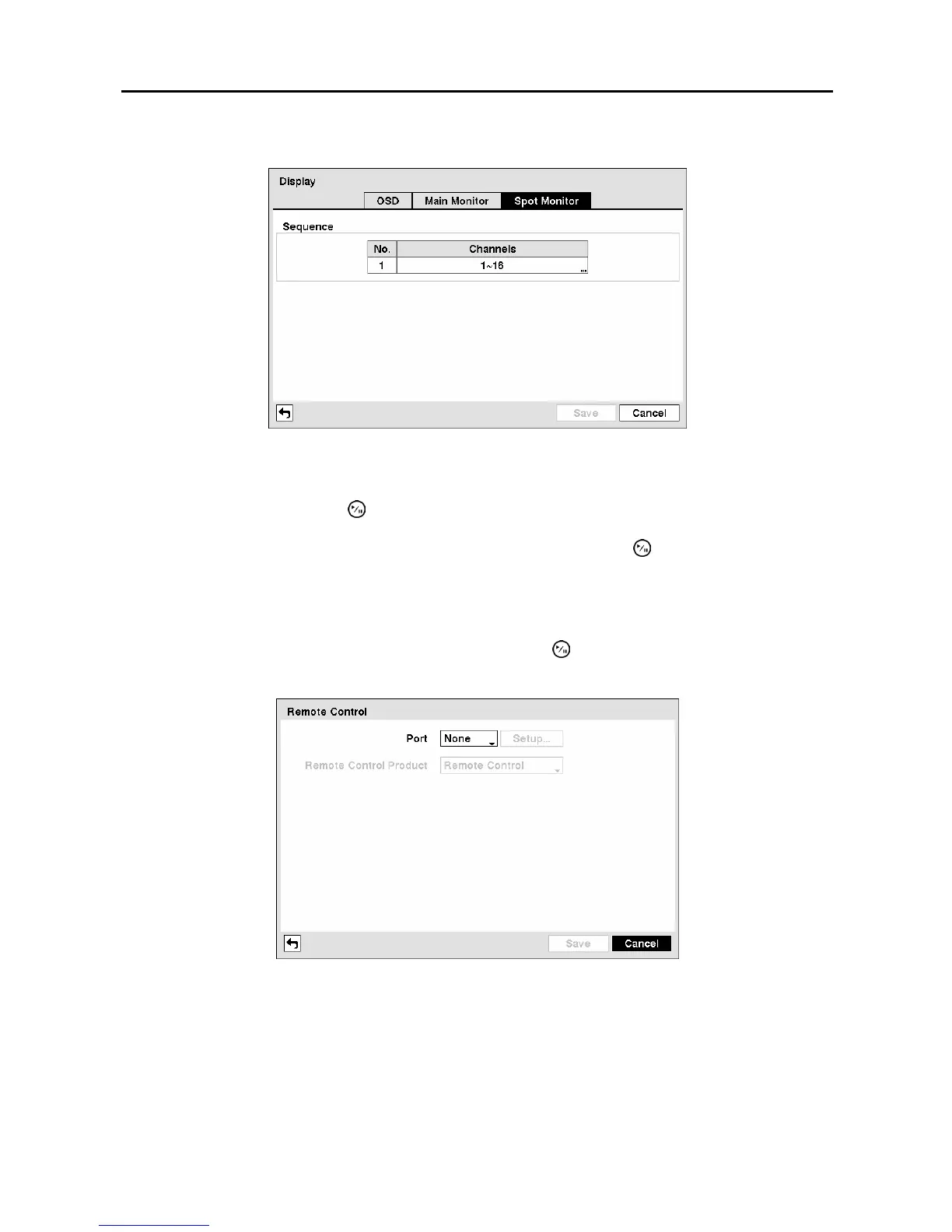
Highlight the Spot Monitor tab to switch to the Spot Monitor screen.
Figure 46 ─ Spot Monitor screen.
You can define which cameras display sequentially on the Spot Monitor. Highlight the box in the
Channels column and press the button.
You can save your Display settings by highlighting Save and pressing the
button
. Selecting Cancel
exits the screen without saving the changes.
Remote Control Screen
Highlight Remote Control in the Devices menu and press the button. The Remote Control setup
screen allows you to select a port and make correct settings for a remote keyboard.
Figure 47 ─ Remote Control setup screen.
Highlight the box beside Port and select from None, RS232 and RS485. If the RS232 port and RS485
port are in use for PTZ control, networking or text input, the remote keyboard cannot be configured.
Highlight Setup… and select the correct Baud Rate, Parity, Data Bits and Stop Bits for the device you
are connecting to the DVR.



 To Next Page