Digital Video Recorder
23
NOTE: You will need to get the appropriate Port Numbers for each RAS related program (Admin,
Callback, Watch and Search) from your network administrator.
NOTE: The system restarts automatically after changing the port settings.
NOTE: Do NOT use the same port number for two different programs, otherwise, the DVR cannot
be connected with the PC running RAS.
CAUTION: When changing the port settings, you must change the port settings on the
PC running RAS as well. Refer to the RAS manual for details.
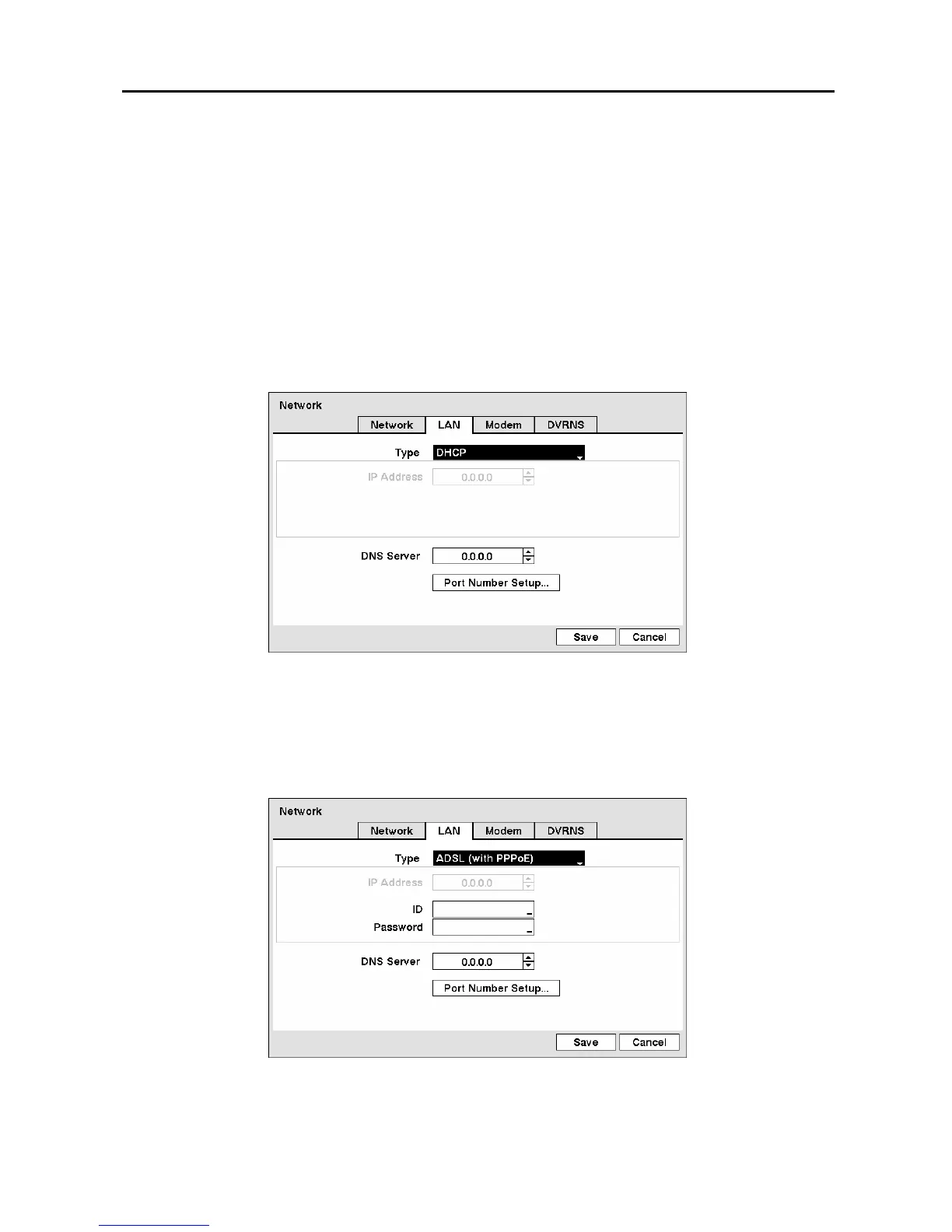
Selecting DHCP from the Type and highlighting Save button reads the current IP address of the DVR
configured by DHCP (Dynamic Host Configuration Protocol) network.
Figure 28 ─ LAN (DHCP) setup screen.
Selecting ADSL (with PPPoE) allows you to set up the ADSL network.
NOTE: ADSL and modem cannot be configured at the same time. If the DVR is configured by
modem, the ADSL (with PPPoE) will not be selected.
Figure 29 ─ LAN (ADSL) setup screen.



 To Next Page