PAGE 32
Windows PC Software
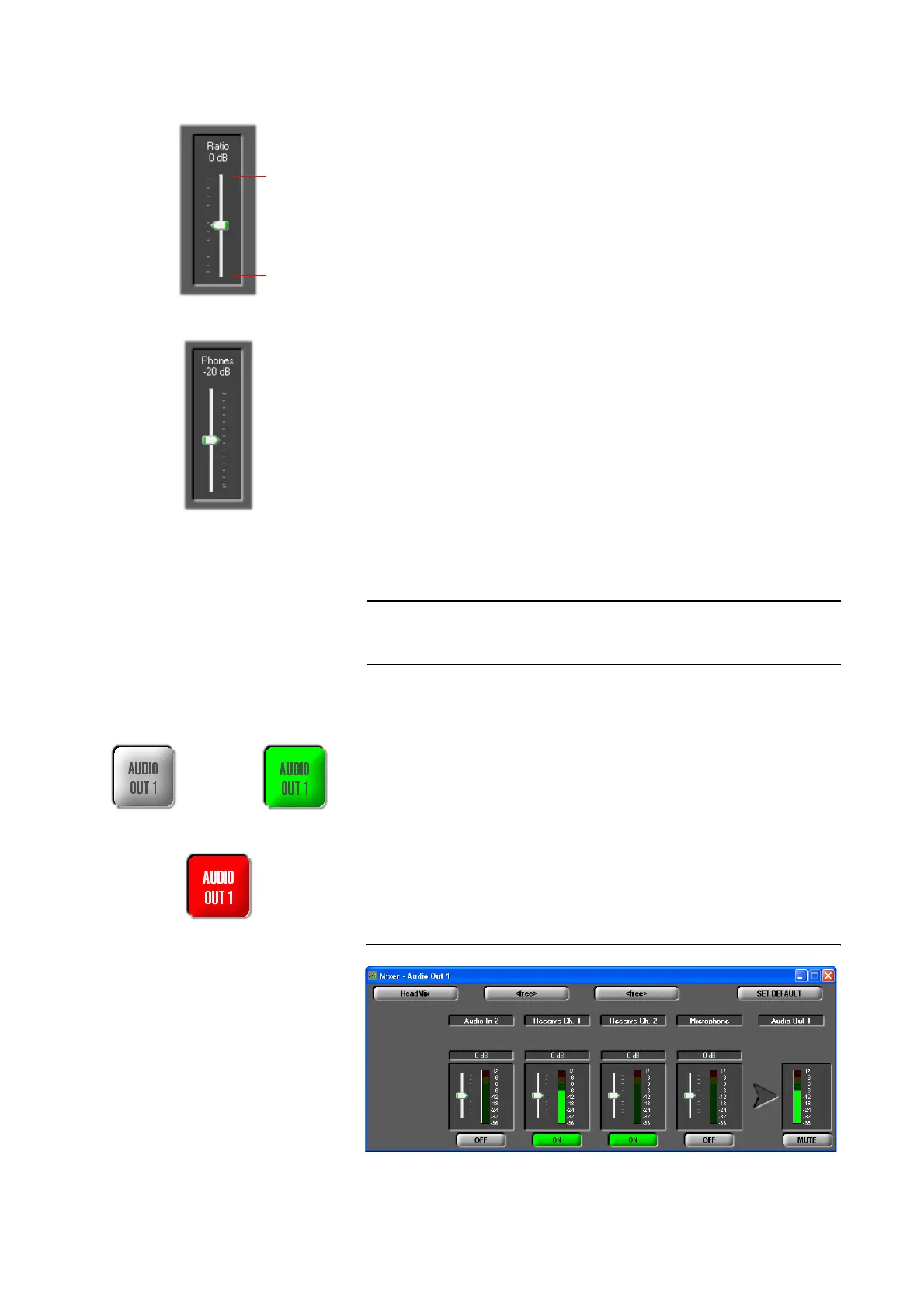
Transmit-receive level/ratio for the headphones
Via the Ratio level meter you can set the level ratio for the headphone output
between the transmitted and the received Audio signal.
The ratio can be adjusted within the range 0...+16 dB. If you select TX+16 dB
your trnsmitted signal is amplified to the maximum and if you select RX+16
dB the received signal is amplified to the maximum.
Especially for live reporting, in this way you can adjust the levels as you like.
Headphones volume
With the Phones level meter the volume of the headphones is seleted.
The level can be adjusted within the range of 0...-40 dB.
Selection of the Audio sources for the Audio output
By pressing the AUDIO OUT 1 respectively AUDIO OUT 2 button the window
for the selection of the Audio Source for the Audio output is opened.
Depending on the configuration of the Audio mixer, the AUDIO OUT button
can be displayed in the following colours:
grey: No Audio source is activated. In that case, nothing can be heard.
green: At least one Audio source is activated.
blinking in red: The Mute function is activated for the selected channel. In
that case, nothing can be heard at the remote side.
Depending on the transmission procedure, the available level meters are dis-
played. Details about the configuration of the Audio mixer can be found in
CHAPTER 4.5.3.1.
FIG. 14 AUDIO MIXER AUDIO OUTPUT
NOTE
If the fee-based option Mixer Tool Plug-In (order number 430201) is not ena-
bled for your system, you can only select one Audio source for the Audio out-
put.
max. TX
max. RX
Mute function
no Audio source
activated
selected
At least one
Audio source selected



 To Next Page