PAGE 45
Windows PC Software
General
•Under Line Mode you select the line interface which you want to use. The
following options are possible:
– ISDN: The system is connected to the ISDN network and two indepen-
dent channels are available. Up to two independent Audio signals can
be transmitted simultaneously.
– The following ISDN protocols are available:
EURO ISDN
USA ISDN (N-1)
Japanese ISDN
Therewith you can use the unit at almost every ISDN connection
worldwide. Merely older ISDN or special private branch exchange
protocols are not supported.
– ISDN leased line: The system is connected to the ISDN network and
two independent channels are available. In contrast to the dial up ISDN
mode, in the ISDN leased line mode no dialling information is trans-
mitted. As soon as you connect the system to an ISDN leased line and
press the Call key (on both sides) , a connection is established.
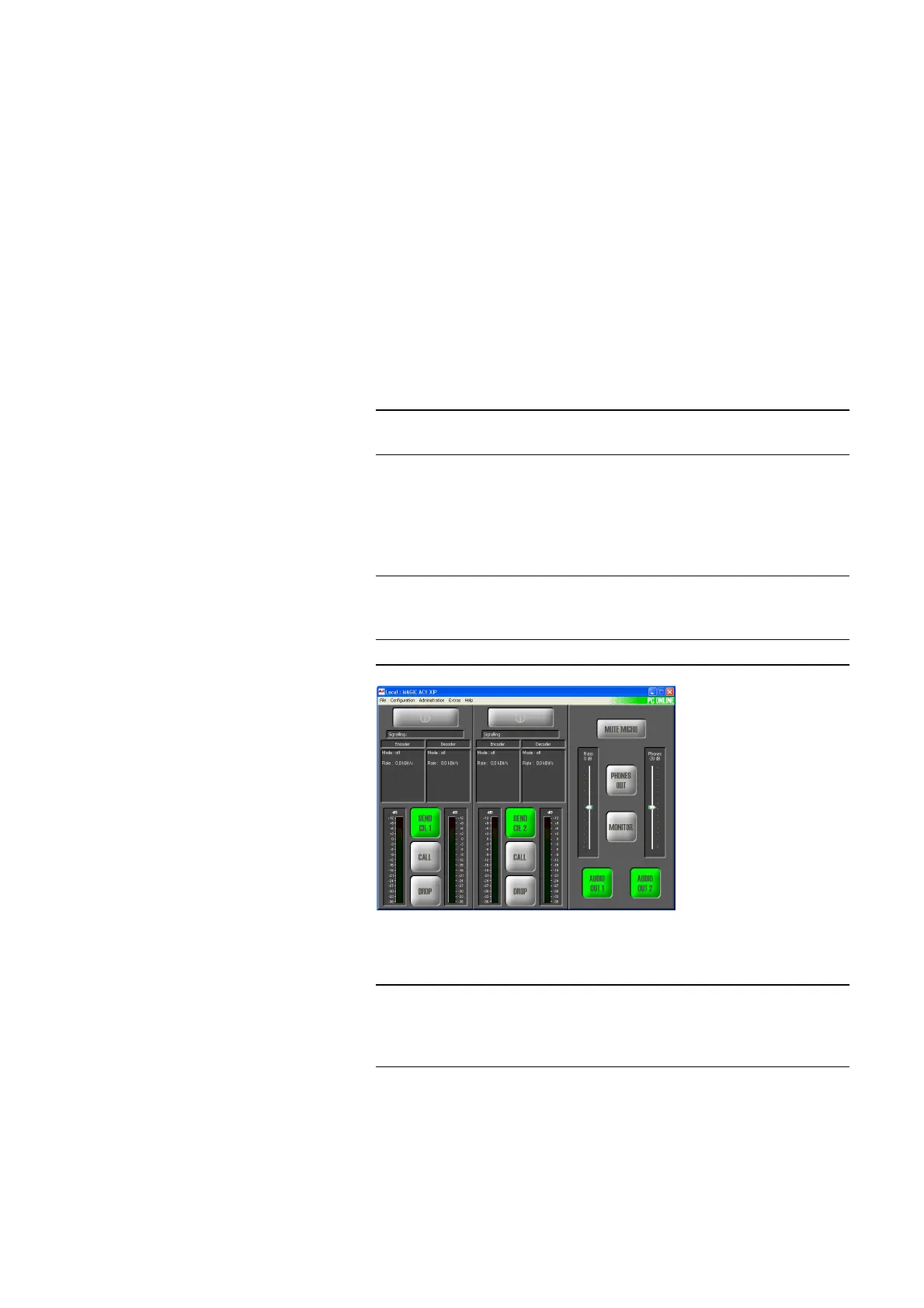
FIG. 28 MAIN WINDOW IN THE ISDN LEASED LINE MODE
– ISDN leased line (B1/B2 only): Same functionality as above, except
that only B channel 1 (B1) or B channel 2 (B2) is analysed.
NOTE
For the configuration of the Audio coding parameters please look under
Transmission (see CHAPTER4.7.2.2, Page 60).
NOTE
Please consider that no calling numbers can be entered in this mode. For the
configuration of the Audio coding parameters please look under ISDN
Transmission Modes (see CHAPTER4.7.2.1.7, Page 59).
NOTE
Please notice that only one channel is displayed in the main window. Addi-
tionally, no calling numers can be entered in this mode For the configuration
of the Audio code parameters please look under ISDN Transmission Modes
(see CHAPTER4.7.2.1.7, Page 59).



 To Next Page