PAGE 46
Windows PC Software
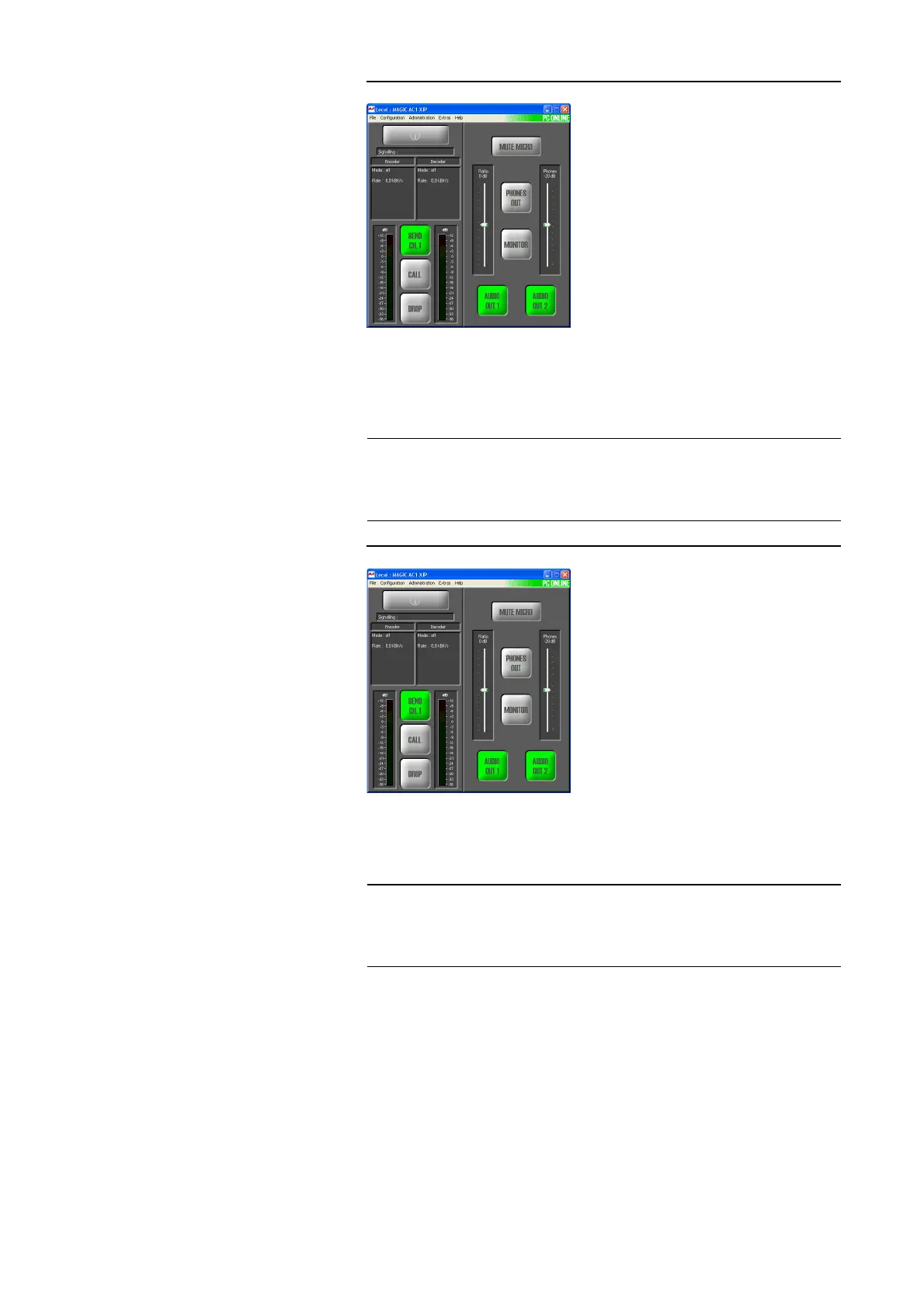
FIG. 29 MAIN WINDOW IN THE ISDN LEASED LINE B1/B2 MODE
– X.21 (8...384 kbit/s): The system is connected to a X.21 leased line. The
clock is delivered from the transmission system. The data rate is iden-
tified automatically.
For a connection you have to press the Call key on both sides.
FIG. 30 MAIN WINDOW IN THE X.21 MODE
– LAN: The Audio transmission is realised via a non-switched LAN line,
wherefor only the IP address has to be entered at the remote station.
For a connection you have to press the Call key on both sides.
NOTE
Please notice, that no calling numbers can be entered in this mode. No further
settings are needed for establishing a connection. For the configuration of the
Audio coding parameters please look under X.21 Transmission Modes (see
CHAPTER4.7.2.1.8, Page 59).
NOTE
Please notice that a variable IP address can be entered. Therefore configure
the LAN/SIP mode. For the configuration of the Audio coding parameters
please look under LAN Tranmsission Modes (see CHAPTER4.7.2.1.9,
Page 59).



 To Next Page