PAGE 47
Windows PC Software
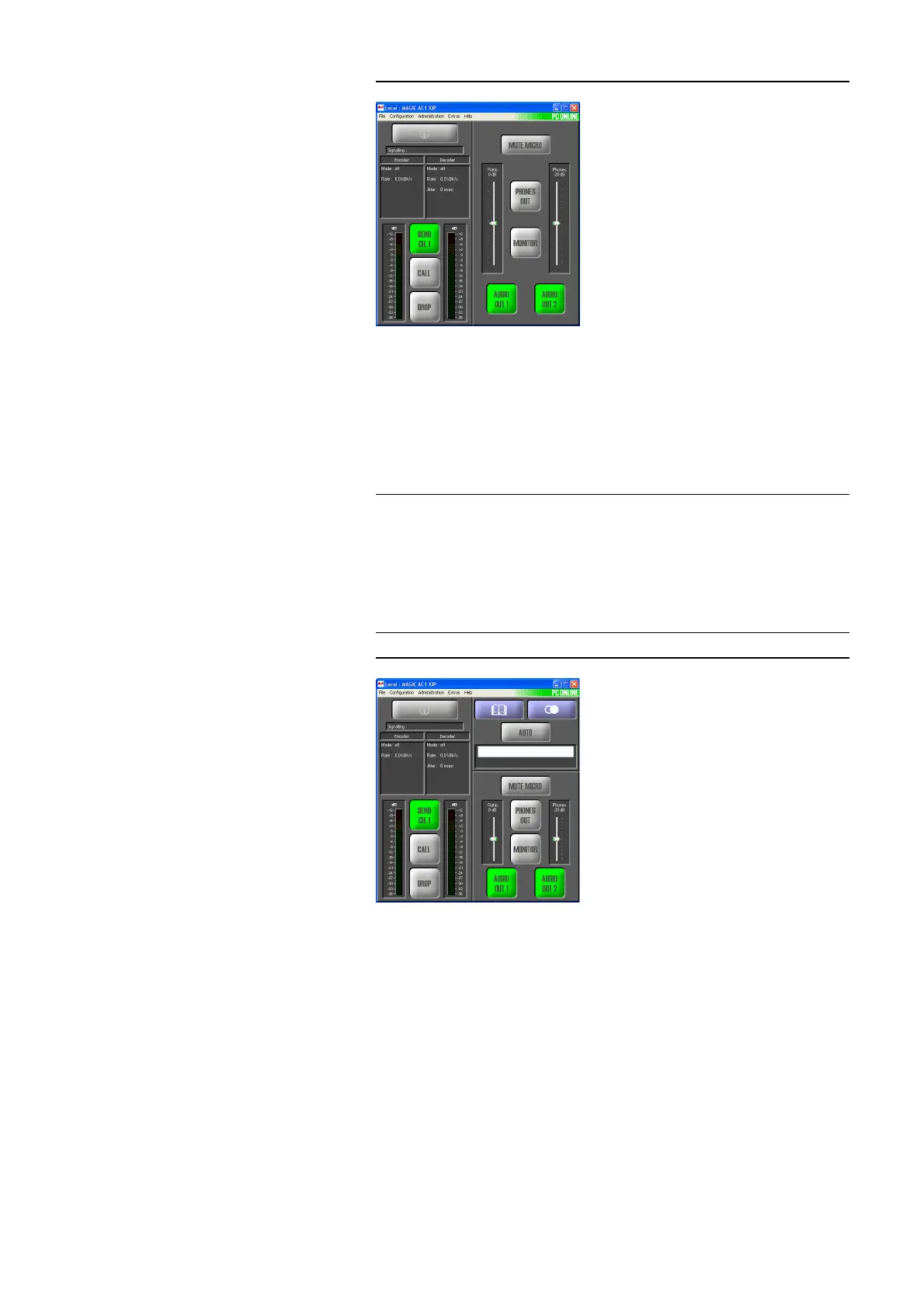
FIG. 31 MAIN WINDOW IN THE LAN MODE
– LAN/SIP: The Audio transmission is realisedaccording to the new
N/ACIP Audio over IP Standard of the EBU. The operation is almost
identical to the ISDN operating mode. For establishing a connection
you have to enter the calling number (if using a SIP server) or the IP
address of the remote station. Operationally the system performs over
a non-switched LAN connection, for that the IP address of the remote
station needs to be entered only.
FIG. 32 MAIN WINDOW IN THE LAN/SIP MODE
The following configuration possibilities depend on the chosen line operation
mode:
• With the function Enable Auto Answer you can enable the system to ac-
cept the calls automatically.
• Auto Connect on Power On: If it is enabled, the connection is established
automatically when switching on the power supply. If the option is disab-
led, press the Call button to establish a connection.
• If the automatic answer is enabled, an answering delay of 0 ... 31 seconds
can be set up via the scroll bar Delay. The standard value is 0 s.
• An acoustical call signal at the system can be enabled by the function En-
able System Ringing Tone.
NOTE
Please notice that currently only one simultaneous Audio connection - in con-
trary to ISDN - is possible.
For the configuration of the Audio coding parameters please look under
Transmission (see CHAPTER4.7.2.2, Page 60).
For the settings of the required connection parameters please look under SIP
Parameters (see CHAPTER4.7.2.1.2, Page 53).
ISDN, LAN/SIP
ISDN Leased Line, X.21, LAn
ISDN, LAN/SIP
ISDN, LAN/SIP



 To Next Page