172 BD High Throughput Sampler User’s Guide
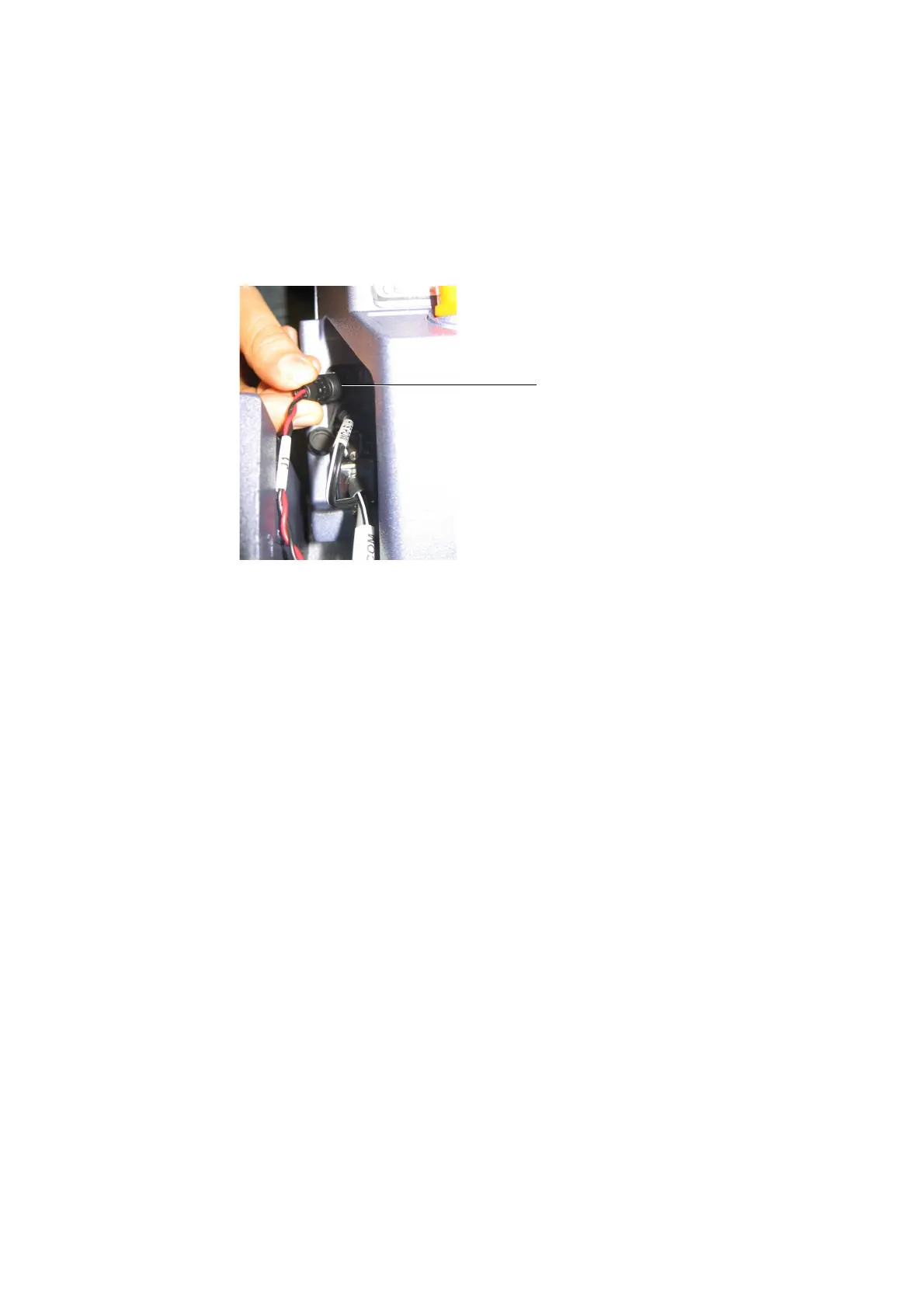
Figure B-9 Plugging door sensor cable into HTS (BD FACSCanto II only)
6 [BD FACSCanto II] If necessary, slide the unit in until you can connect the
interface/communication cable to the cytometer (see Figure B-10 on
page 173).
Tighten the two connector screws after the communication cable is
attached.
7 [BD FACSCanto II] Install the overflow reservoir with the lip facing
towards you, and place the overpressure tubing into the reservoir (see
Figure 1-4 on page 18).
8 Connect the sheath line (with filter) and waste lines to their respective ports
on the back of the unit (or back of the cytometer for BD FACSCanto II)
(see Figure B-10).
NOTICE The white connector on the BD FACSCanto II is not used for the
HTS.
door sensor cable
(Match the arrow on the plug with the
arrow on the HTS connector.)











 To Next Page