36 BD High Throughput Sampler User’s Guide
acquiring
recorded
selected for acquisition and contains previously recorded data
from aborted run
a
selected for acquisition, aspirated, and aborted
a
a. The error message is cleared from the Status tab of the Cytometer Settings window when acquisition begins.
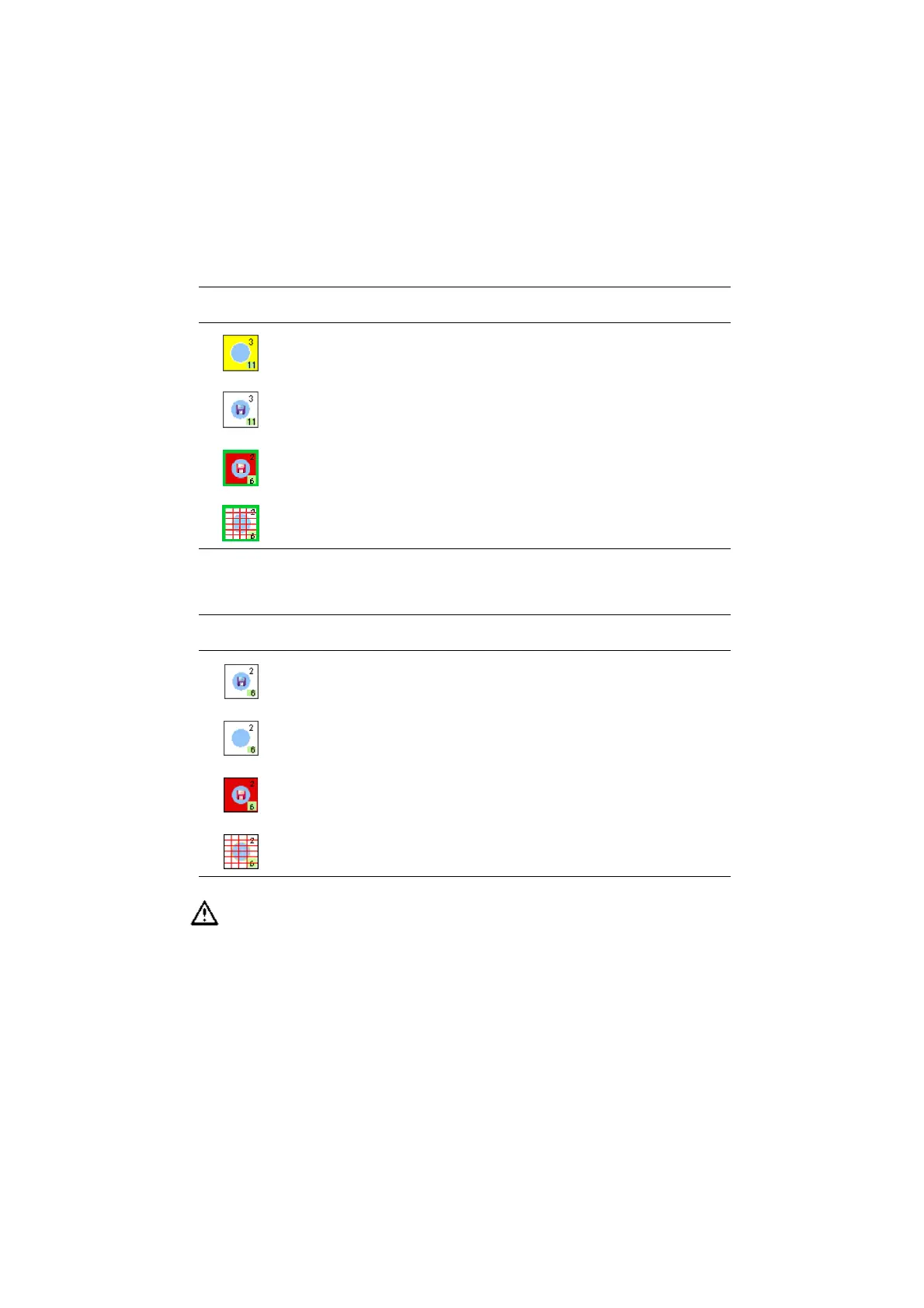
Table 2-2 Assessing well status once acquisition is complete
Well Status
well contains data—acquisition successful
well contains no data
well contains data—recording aborted
well contains no data—acquisition aborted
To keep a record of acquisition status, print a copy of the Setup view
immediately after acquisition is finished, and refer to the printout if you
reanalyze or export the data. If you export a data file or experiment that
contains incomplete data, the software cannot recognize that the file is
incomplete.
Table 2-1 Assessing well status during setup or acquisition (continued)
Well Status











 To Next Page