38 BD High Throughput Sampler User’s Guide
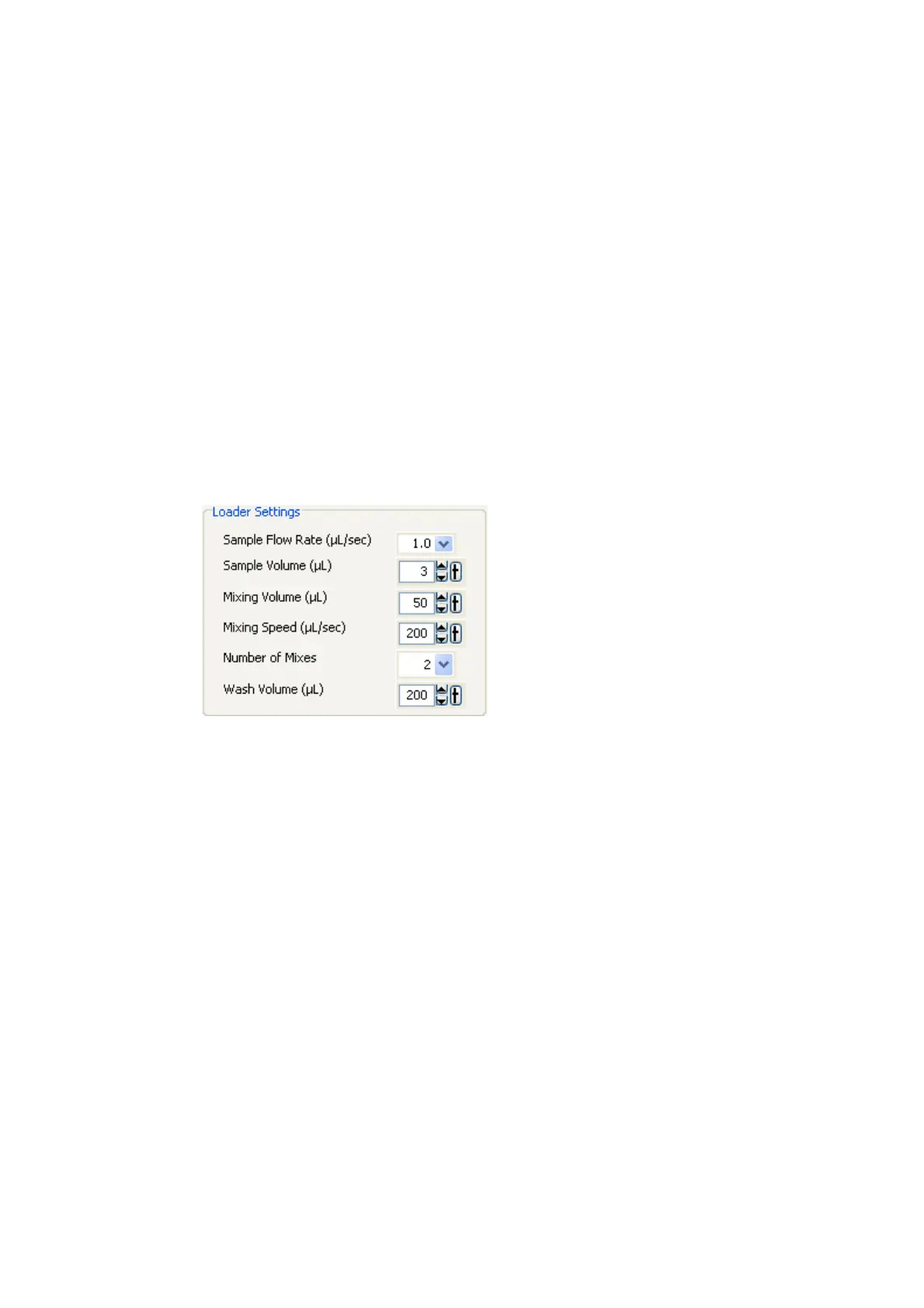
Loader Settings
The loader (HTS) settings shown in the Setup view are the current settings for the
selected well or plate. You can modify these settings in either the Setup view or
the Well Inspector. Default loader settings are provided for each throughput
mode. You will need to optimize these settings for the plate type and assay you
are running. You cannot change HTS settings during acquisition or when a
sequence is in process.
NOTICE If multiple wells, with different loader settings, are selected, a red
highlight appears around the loader settings that are different.











 To Next Page