About MC6-T - 25
powering off. You will be prompted to turn the Mains switch back on to
allow the Temperature Block to cool down faster. When you turn the Mains
switch on, cooling will automatically start in a silent mode. Set temperature
setpoint close to ambient to minimize cooling time. If you fail to switch the
Mains switch back on, the MC6-T will go to the Standby mode after it is
safe.
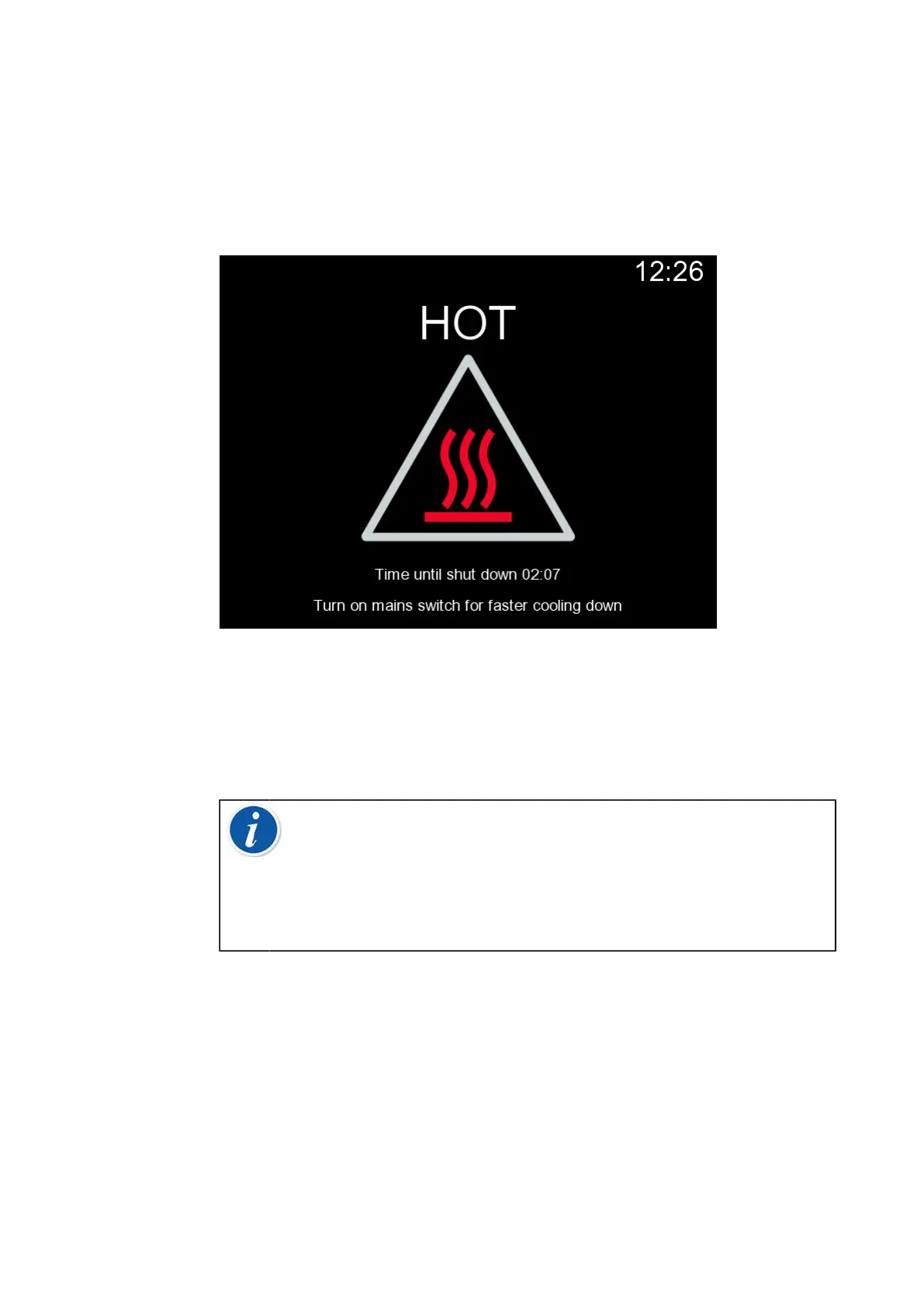
Figure 6: Temperature Warning mode
If the calibrator is in use when the Mains switch is switched off, Process
Calibrator will stay on and, if possible, continue with the operation it was
occupied with. Process Calibrator needs to be powered off from the
Calibrator Power button once it is no longer in use.
Note: Calibrator is in use in the following cases:
• when adjusting MC6-T's own measurement/generation/
simulation ranges,
• when a data log is in progress
• when an instrument calibration is in progress in Documenting
Calibrator.
Pressing the Calibrator Power button when MC6-T is on opens a Power
Menu dialog with following options:
• Calibrator Power Off to shut down Process Calibrator, i.e. minimum
battery power and full startup procedure;
• Standby to set the Process Calibrator in Standby Mode, allowing faster
startup when the Calibrator Power button is pressed again;
• Backlight Off to temporarily set the backlight off.



 To Next Page