26 - General description
Note: When Mains switch is on, Calibrator Power Off and
Standby are not active due to safety reasons. Power off MC6-T
from the Mains switch.
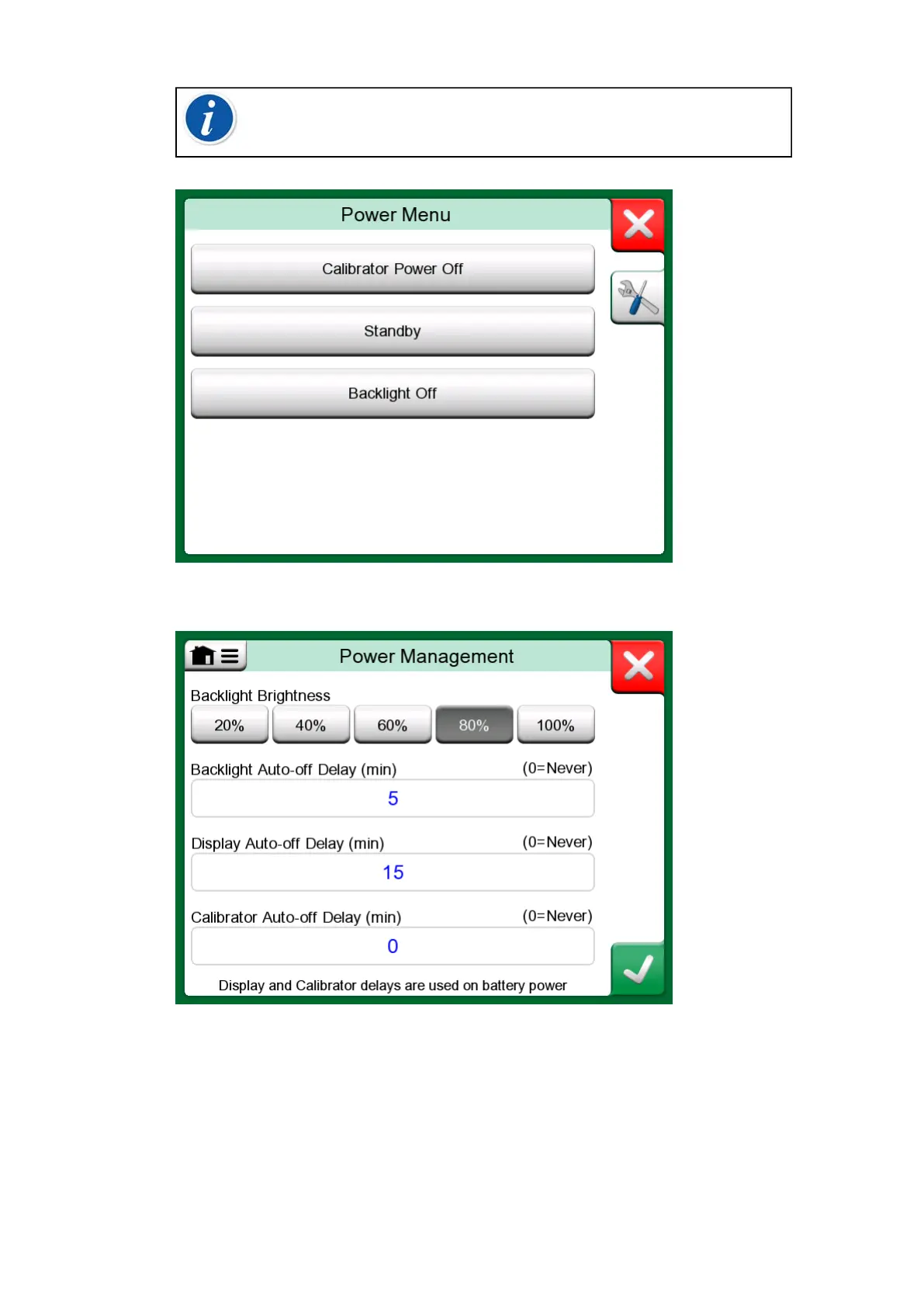
Figure 7: Power Menu dialog
Figure 8: Power Management window
Pressing Tools button in Power Menu will take you to Power Management
window (see Figure 8: Power Management window). Adjust the Backlight
Brightness and set the delays for backlight, display and calibrator Auto-off
to save battery.



 To Next Page