About MC6-T - 29
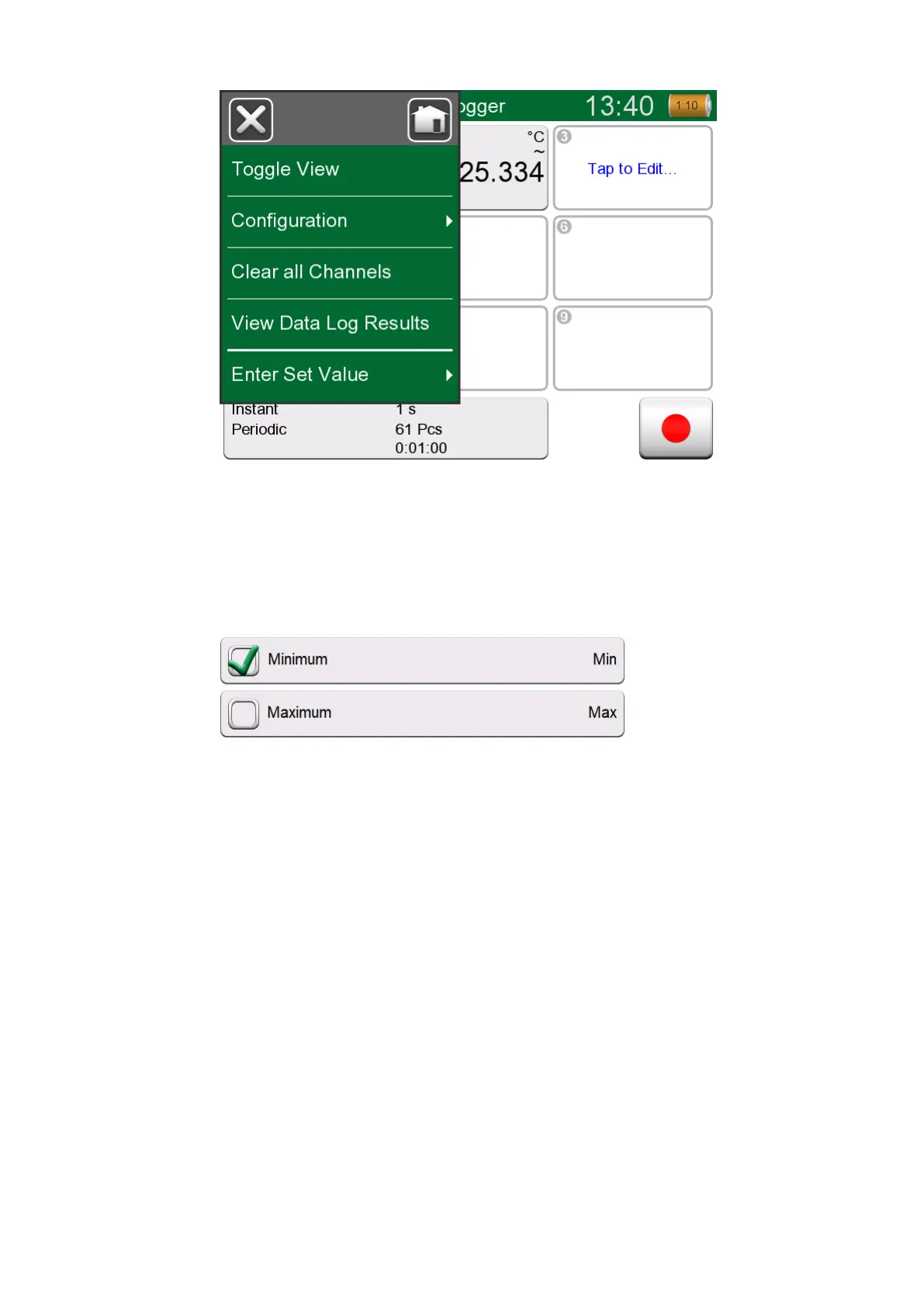
Figure 14: An example of an opened menu
Check Boxes are special buttons that are either "checked" or
"unchecked". See Figure 15: Check Boxes, both a checked and an
unchecked one. Again, the functionality is familiar from Personal
Computers.
Figure 15: Check Boxes, both a checked and an unchecked one
MC6-T also has some "flat" buttons. They are used in, e.g. lists. The color
of the flat buttons may vary depending on the context.
The following editable fields are available:
• Text Fields,
• Numeric Fields, in certain cases including Spinning and
• Date/Time Fields.



 To Next Page