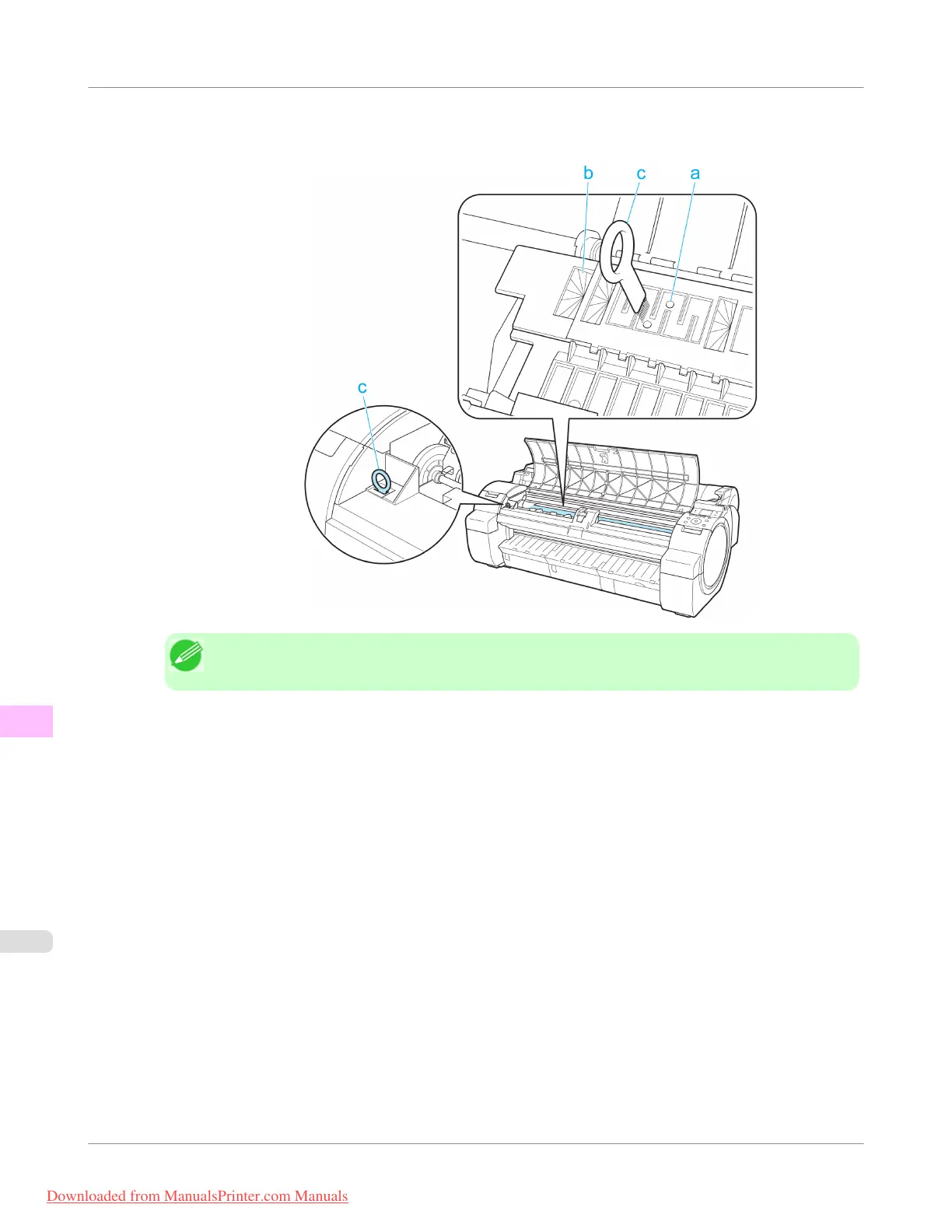
2. If paper dust has accumulated in the Vacuum holes (a) on the Platen or in the Borderless Printing Ink Grooves (b),
use the Cleaning Brush (c), provided with the printer, to wipe it away.
Note
• If the Cleaning Brush is dirty, rinse it in water.
Maintenance and Consumables
>
Cleaning the Printer
>
Cleaning Inside the Top Cover
iPF755
11
826
Downloaded from ManualsPrinter.com Manuals


 To Next Page
 Loading...











