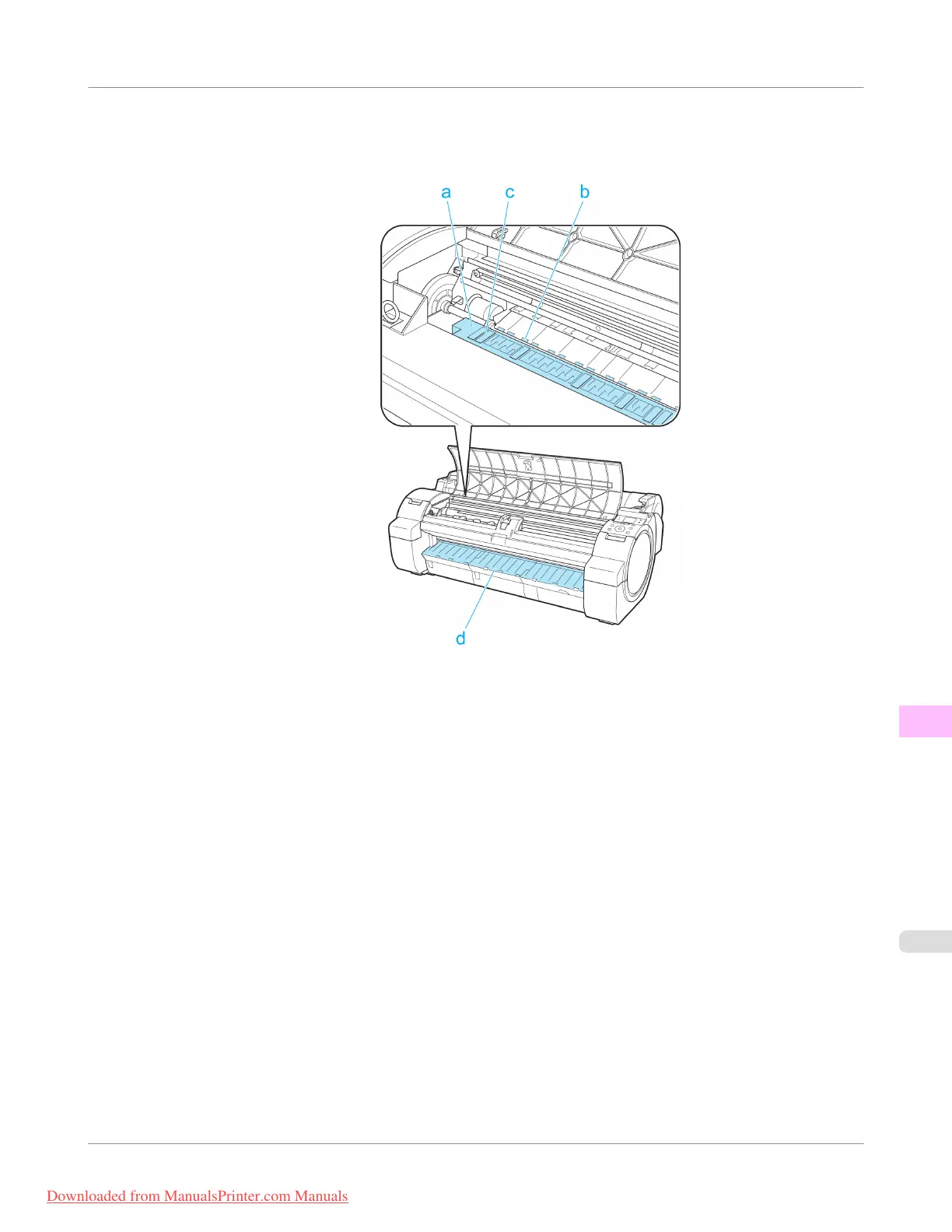
3. Using a damp cloth that you have wrung out completely, wipe inside the Top Cover to clean it. Wipe away any ink
residue on the Platen as a whole (a), the Paper Retainer (b), Borderless Printing Ink Grooves (c), and Ejection
Guide (d).
Maintenance and Consumables
>
Cleaning the Printer
>
iPF755
Cleaning Inside the Top Cover
11
827
Downloaded from ManualsPrinter.com Manuals


 To Next Page
 Loading...











