CS 7600_User Guide (8J4071)_Ed04 5
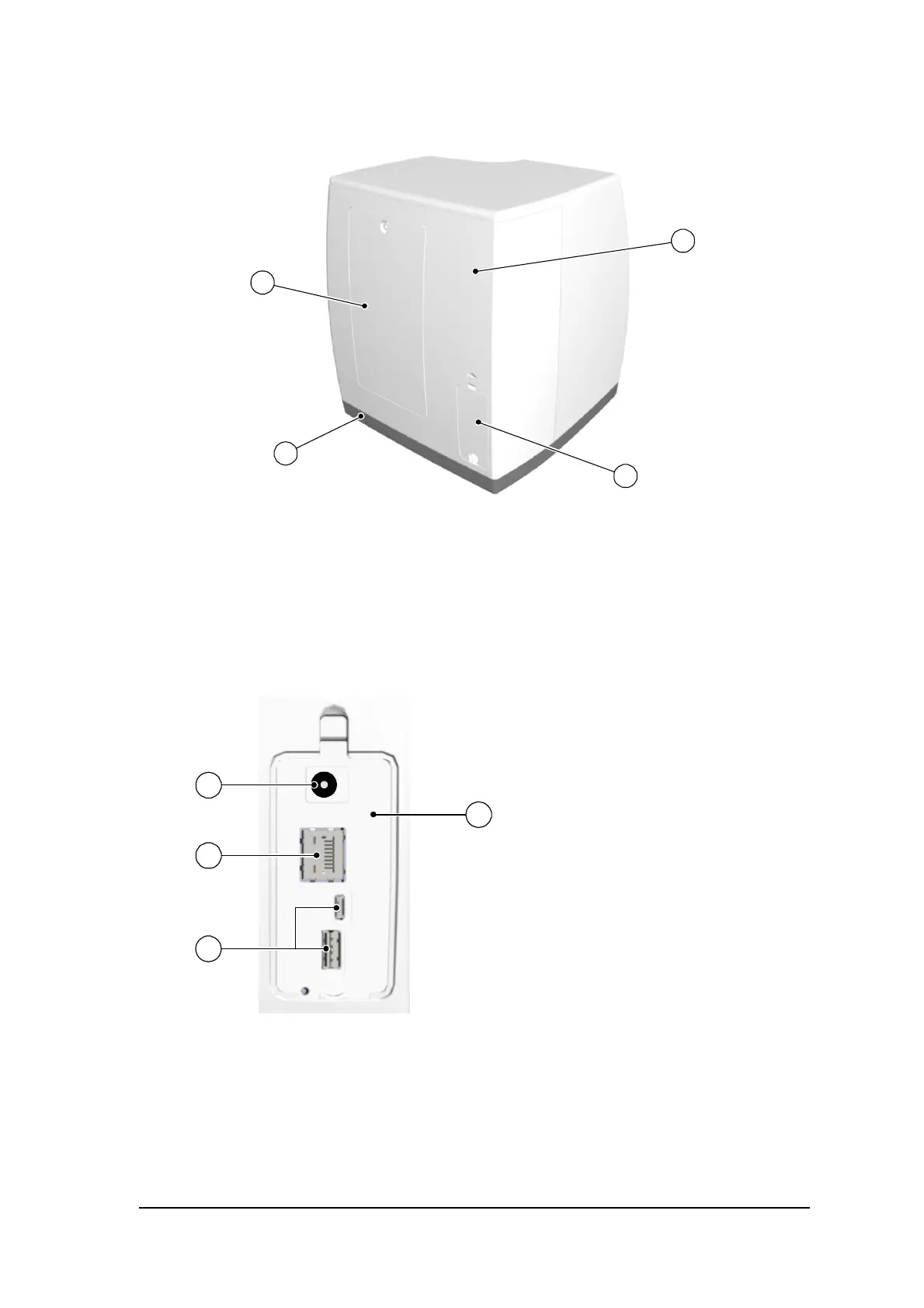
Figure 2 CS 7600 Rear View
Figure 3 Cables Compartment in Detail
1 Service door
2 Base
3 Cables compartment for power supply connection and interface ports (RJ-45 Ethernet port)
4 Back cover
1 Power supply inlet
2
RJ-45 Ethernet port (Ethernet activity
LEDs: yellow indicates speed, green
indicates that the ethernet is
connected)
3 Service ONLY ports
4 Compartment cover











 To Next Page