CS 7600_User Guide (8J4071)_Ed04 43
• Erase Imaging Plate, See “Erasing the Imaging Plates” on page 44
• Scanner Settings, See “Scanner Settings” on page 45
Image Acquisition
When image acquisition is performed without a Paired status or Scan & Go:
1 Press to select a patient.
2 Press to select a scan resolution.
3 Press to scan the imaging plate.
The imaging plate is scanned.
For more information, See “Acquiring Images” on page 52
Scanner Info
1 Press Info
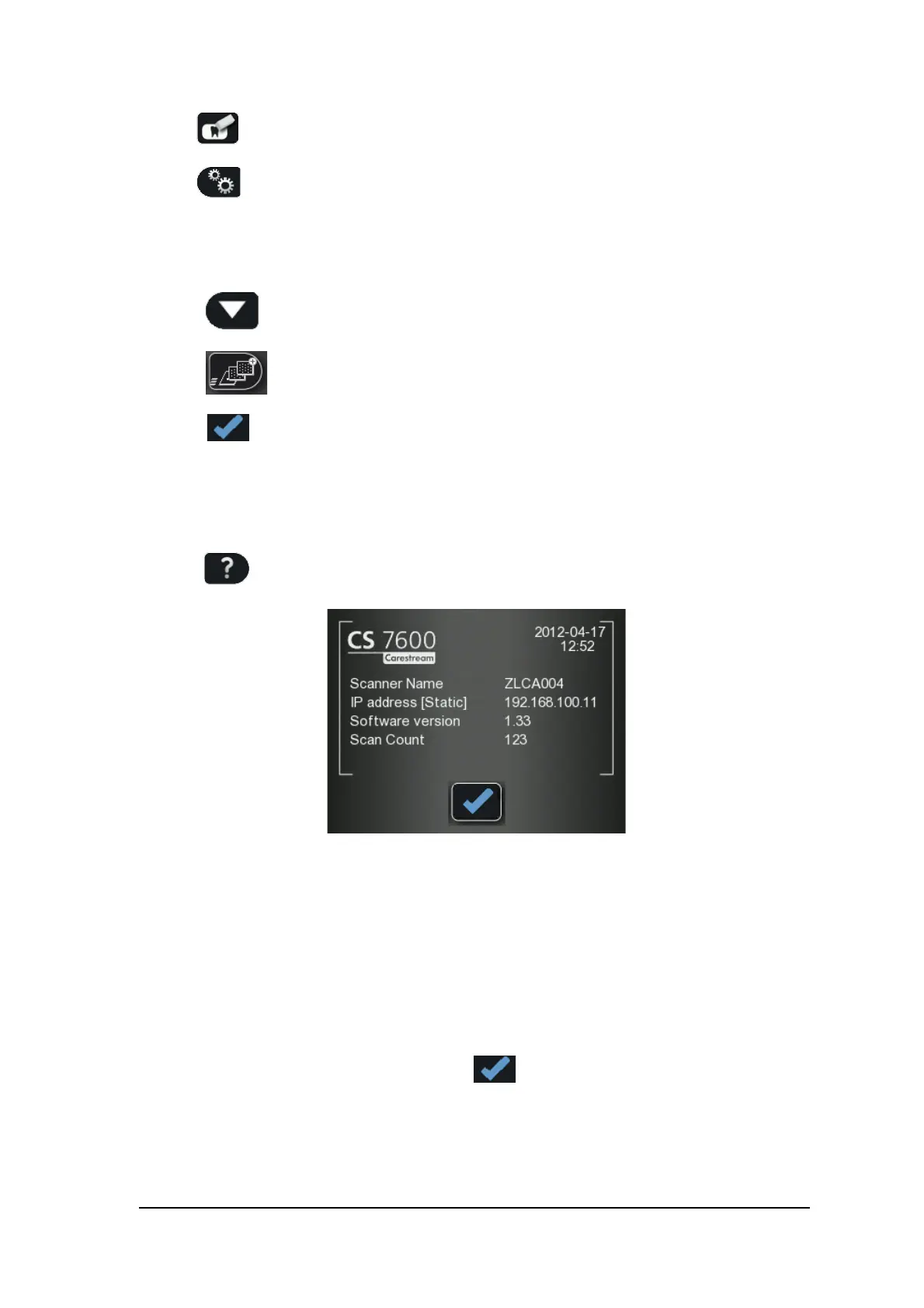
The Scanner Info screen opens.
The following information is presented.
• System’s set date and time
• Scanner Name
• IP address
• Software Version
• Scan Count: Total scans performed by the system
2 To close the Scanner Information screen, press
The Scanner information screen closes and you return to the insert plate screen.











 To Next Page