CS 7600_User Guide (8J4071)_Ed04 47
3 Press and to find the DHCP checkbox, and press to check / un check the DHCP
checkbox.
4 Press and to reach the digit you wish to change, and press .
The digit is ready to be modified and is highlighted in blue.
5 Press and to increase / decrease the value of the selected digit, and press .
The digit is modified.
6 Navigate to the next digit you need to change and change it according to the above instructions.
7 To apply all changes and exit the IP setup screen, press to reach (highlighted in blue)
and press .
8 To exit the IP Setup screen without saving changes, press to reach . (highlighted in blue)
and press .
The IP Setup screen closes and you are returned to the scanner insert plate screen.
Viewer
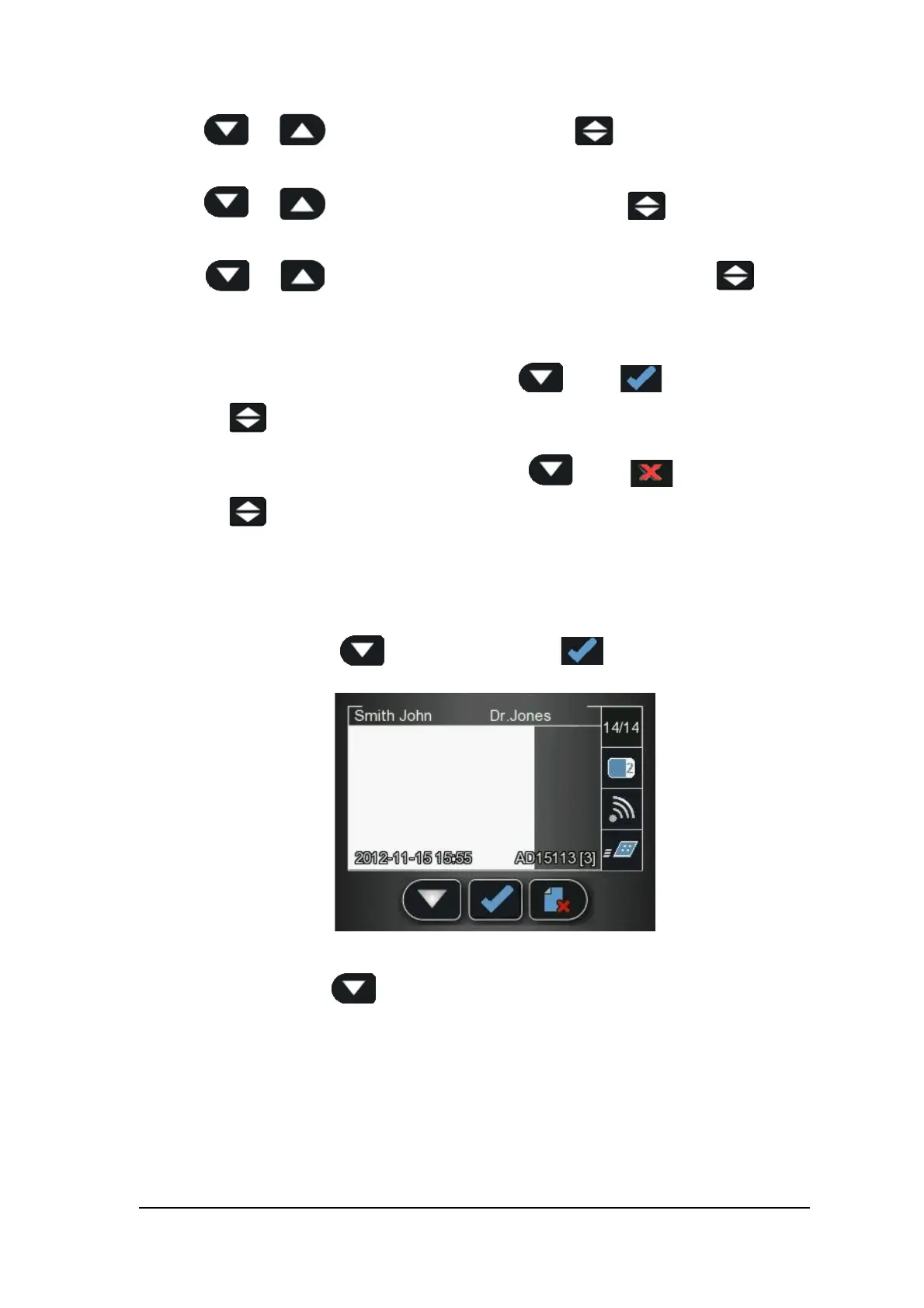
The Viewer allows you to browse and delete images archived on the scanner’s memory.
1 In the Settings menu, press to select Viewer, and press
The Viewer screen opens.
2 In the Viewer menu, press .











 To Next Page