82 Chapter Appendix:
Updating the Scanner using the Scanner Manager Tool
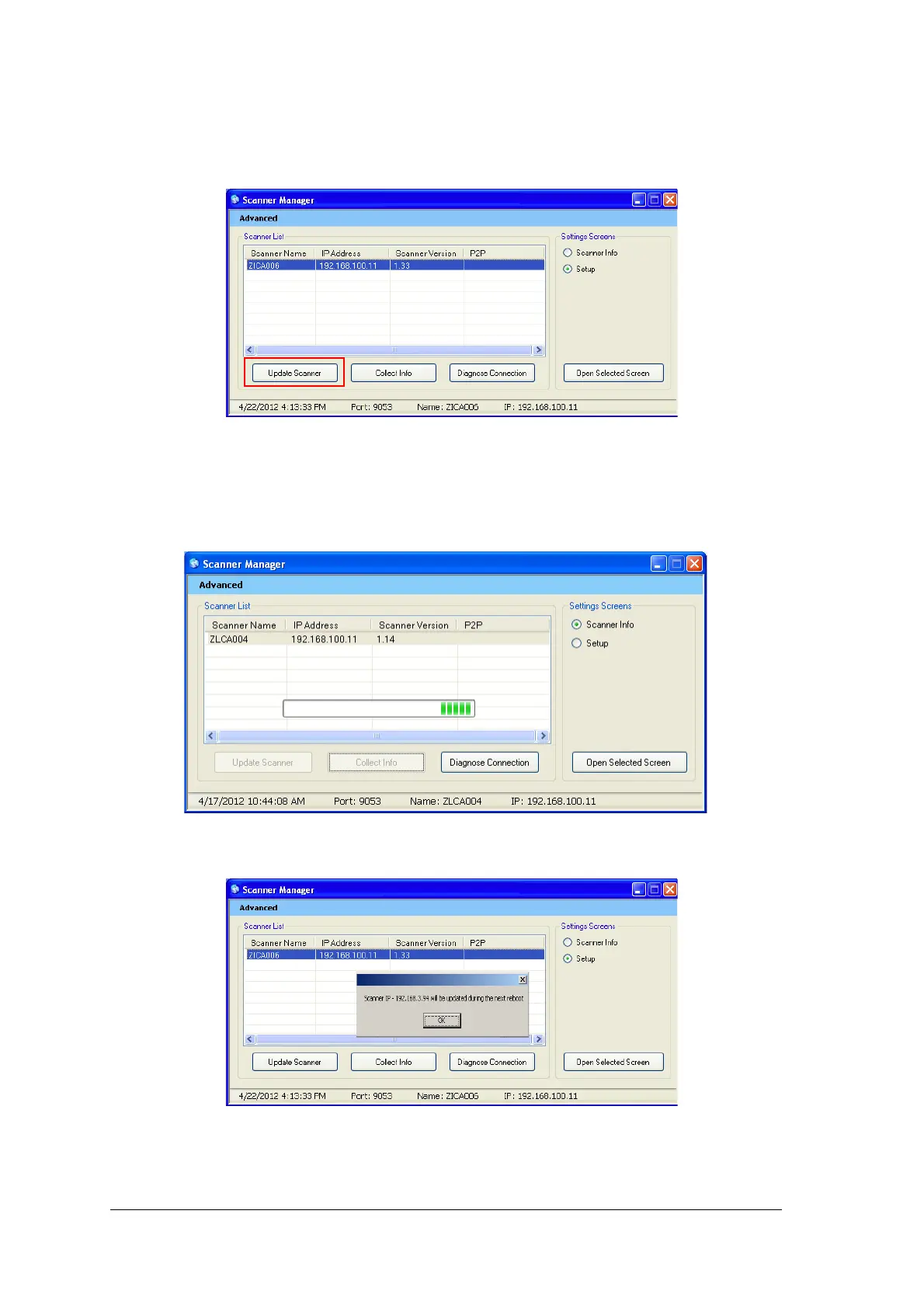
The Scanner version (Embedded software) can be updated by the scanner manager tool by selecting the
Update Scanner tab.
To upgrade the scanner perform the following steps:
1 Select the scanner and click Update Scanner.
Wait while the scanner updates.
The file named Reader_Embedded_xxx.tar is copied from the UPGScanner folder to the scanner
The process starts and takes approximately one minute.
Then the Reboot screen appears
2 Click OK and reboot the scanner.











 To Next Page