54 Chapter 5 Acquiring Images
4 In the image Acquisition interface, select the frame to which the image exposed on this imaging plate
should be routed to.
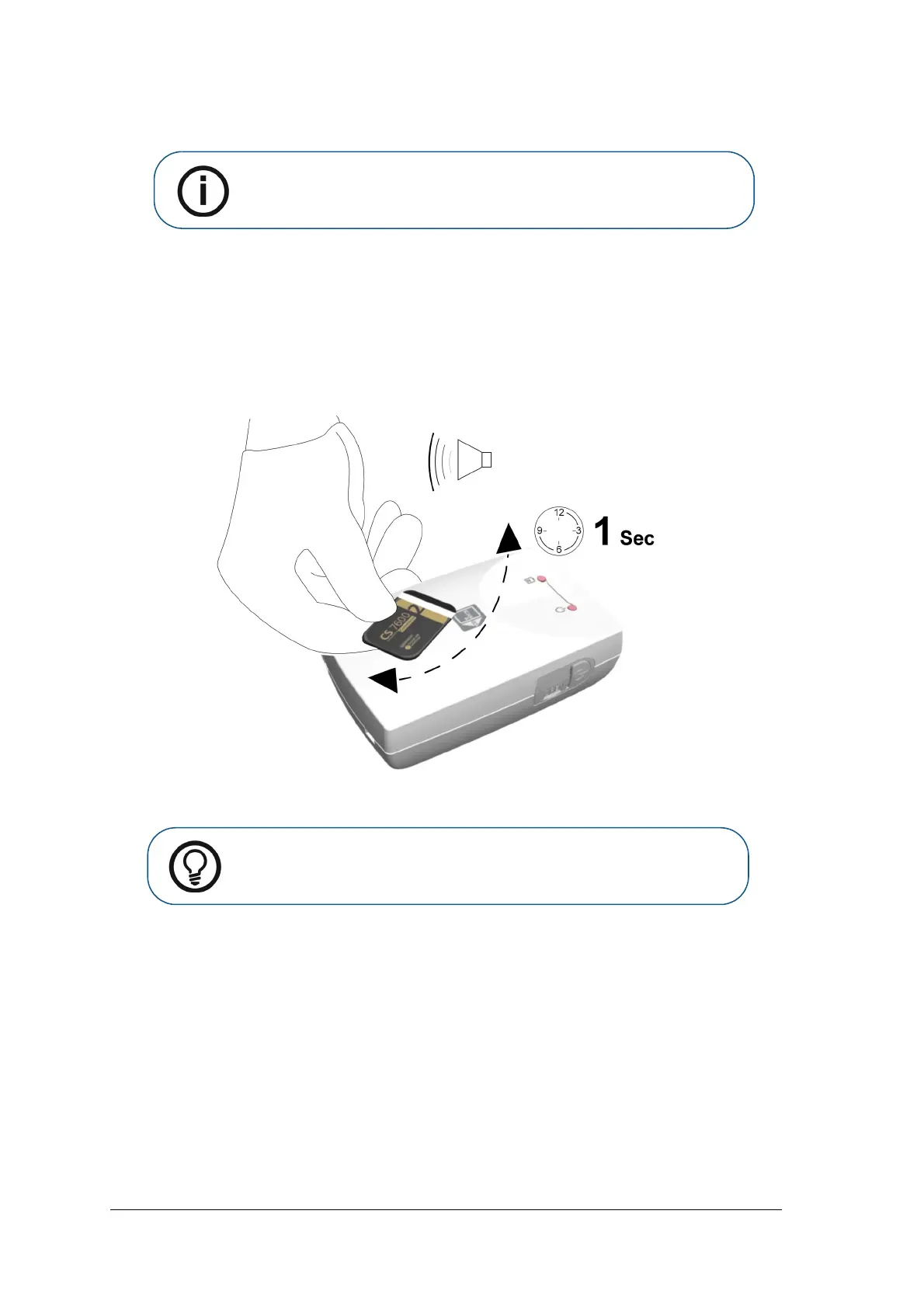
5 Place the imaging plate near, or close to, the Scan & Go device to record the exam acquisition data.
The image Acquisition interface marks the corresponding frame as recorded (frame color changes to
indicate recorded status).
• For Scan & Go devices before June 2012, an audible beep and two successive blinks of the blue
LED indicate the exam acquisition information was recorded.
• For Scan & Go devices after June 2012, two audible beeps and two successive blinks of the green
LED indicate the exam acquisition information was recorded.
6 Perform steps 4 to 5 for each imaging plate.
To record exam acquisition data on an imaging plate that was already recorded, See “Re-tagging imaging
plates” on page 60
Performing the X-rays
Perform the required X-rays according to your clinical procedure.
It is recommended to continue using X-ray positioning techniques and tools to ensure the resulting image is
complete and includes all the information required for diagnosis. It is recommended to use the Rinn Suresoft
holder or equivalent products available on your market. To facilitate matching the orientation of the image in
the software to the clinical reality, we recommend to position the imaging plate in the mouth of the patient
with the orientation mark always towards the bottom.
Note: If no frame is selected, the scanned image will be routed to the first
available frame in the selected template.
Tip: To display the imaging plate’s tagged information at any time, place the
imaging plate on top of the Scan & Go device and check the Imaging plate
Scan & Go information in the Settings-Imaging plate information tab.











 To Next Page