30 Chapter 3 Software Overview
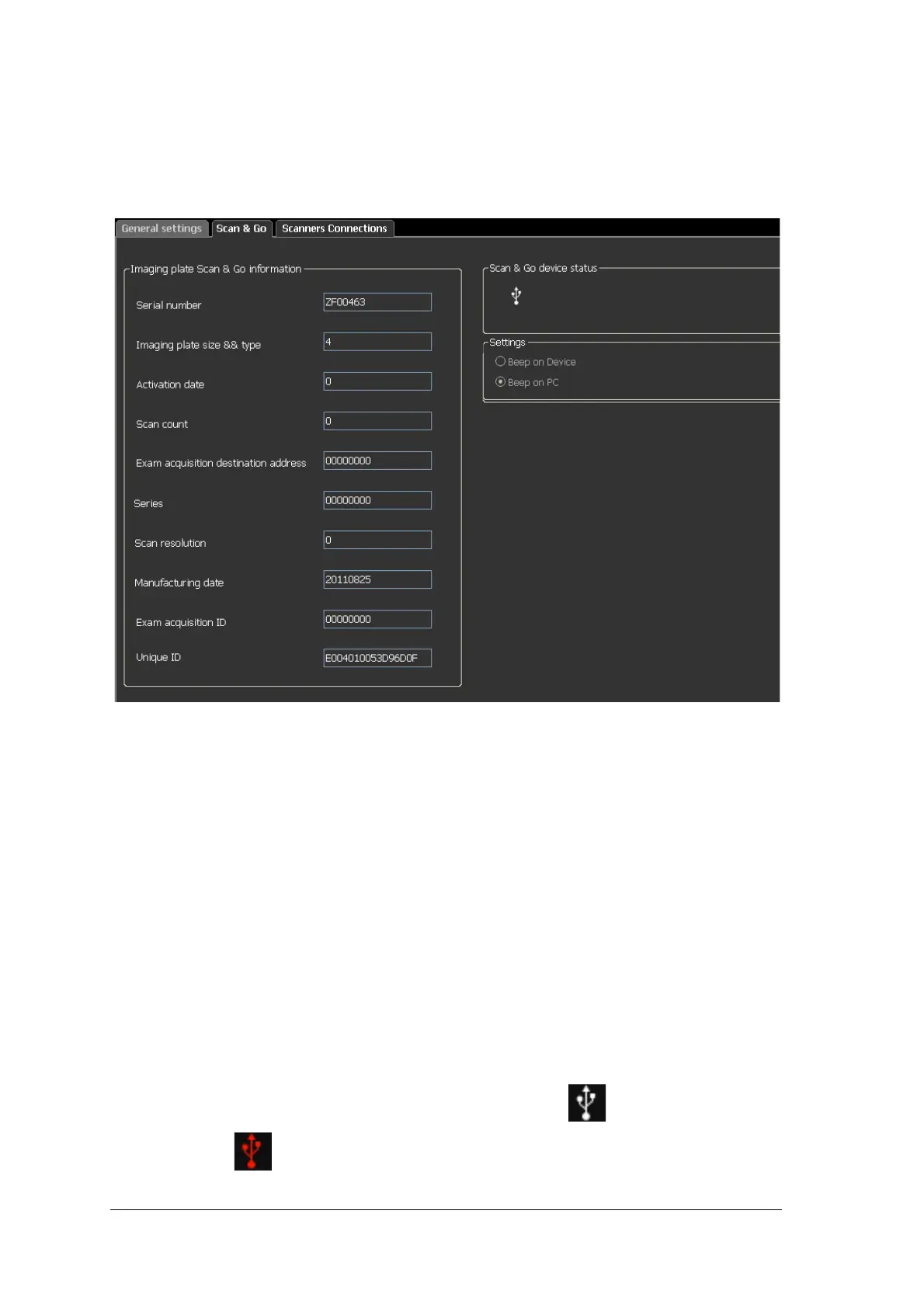
Scan & Go Tab
The Imaging plate Scan & Go information fields are populated with the imaging plate’s identifying
information when it is placed upon the Scan & Go device.
Figure 3 Scan & Go Tab
The Scan & Go tab contains the following information:
• Serial Number
• Imaging Plate Size & Type
• Activation Date, the date of the first time the plate was used
• Scan count, the number of times the plate has been scanned
• Exam Acquisition destination address
• Series, frame identification number
• Scan resolution, See page 18
• Manufacturing date, the date the plate was manufactured
• Exam Acquisition ID
• Unique ID
• Scan & Go device status, shows if the Scan & Go is connected (white icon) or not
connected (red icon)











 To Next Page