CS 7600_User Guide (8J4071)_Ed04 29
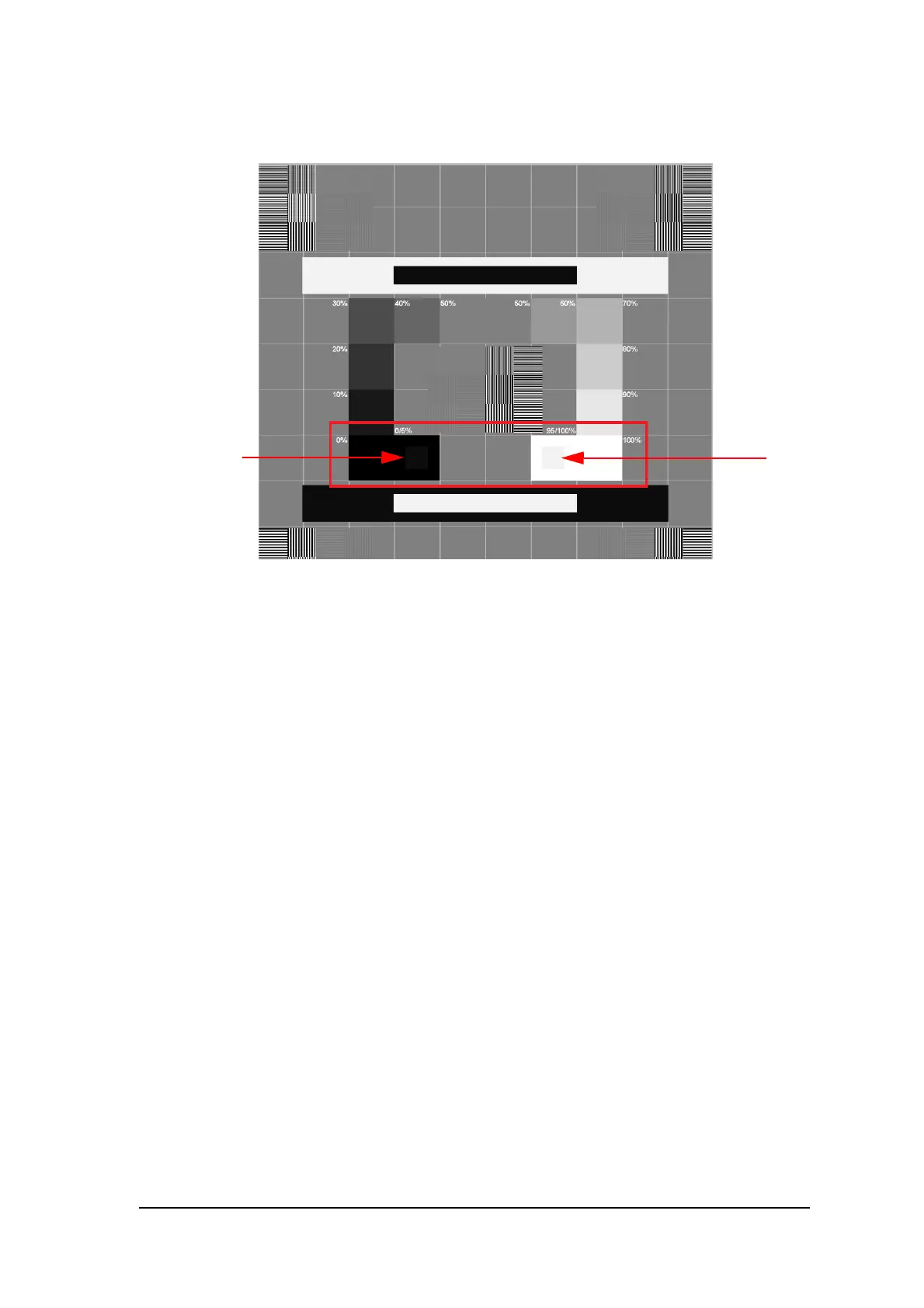
9 To display the SMPTE screen, in the Monitor calibration area click SMPTE.
The SMPTE window appears.
10 Use the monitor brightness & contrast controls until you clearly see the 5% and 95% calibration squares
located in the in the 0% and 100% areas (indicated by red arrows in the picture above).
11 In the Settings tab, when you have finished selecting your general settings, click one of the following:
• Click Apply to apply your settings.
• Click Cancel to exit to the main screen without saving changes.
• Click OK to save the changes and exit to the main screen.











 To Next Page