28 Chapter 3 Software Overview
b Select Soft, Standard, or Sharp for Perio.
This sets the default filter for Perio.
c Select Soft, Standard, or Sharp for Endo.
This sets the default filter for Endo.
d Select Soft, Standard, or Sharp for DEJ.
This sets the default filter for DEJ.
e To choose which is going to be your default filter, Perio, Endo, or DEJ, make sure that your
desired selection is with a blue frame.
f Click the Close button in the top right corner of the screen.
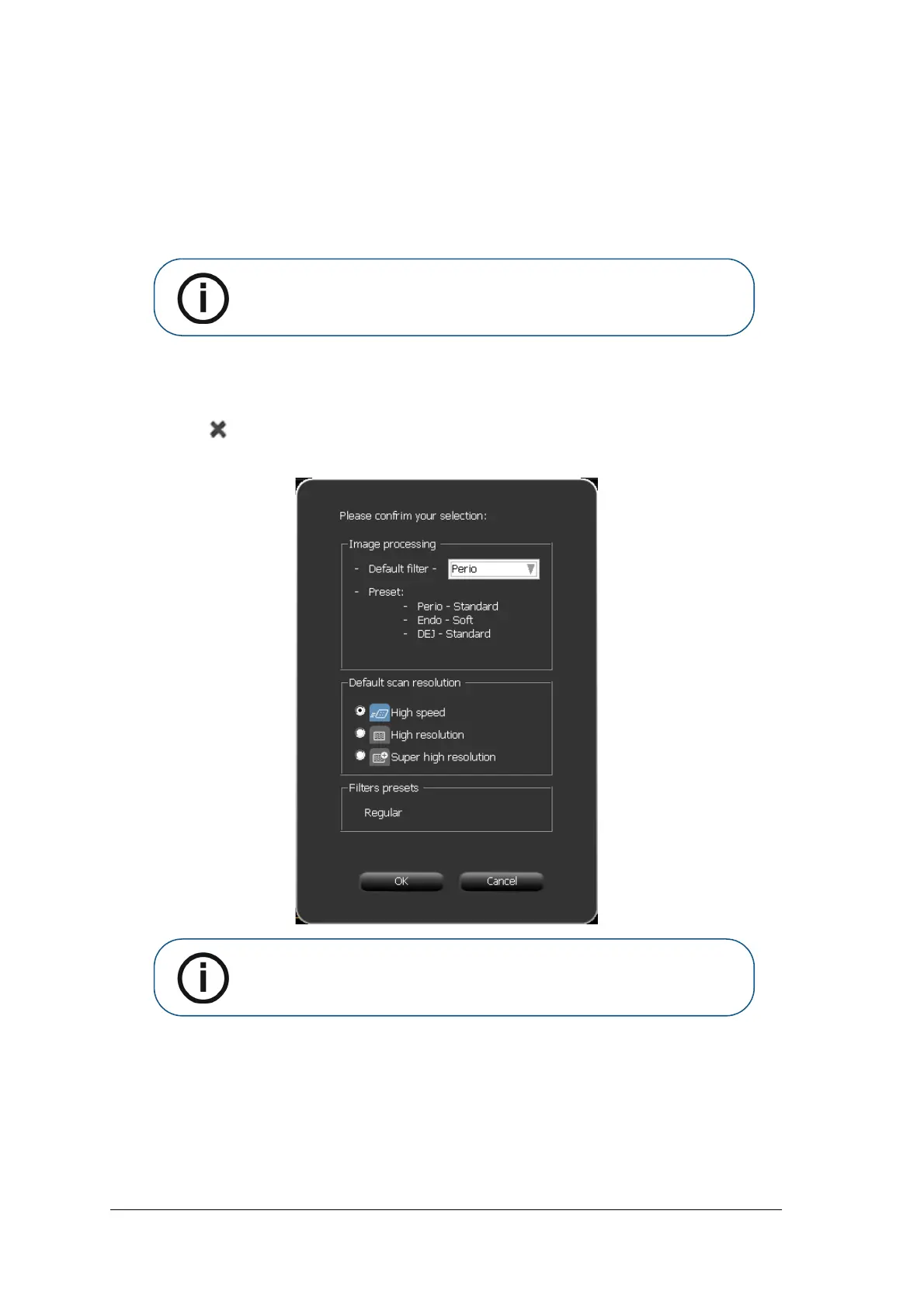
The Image Adjustment confirmation window opens.
g Click OK.
The Image Adjustment window closes and the image Acquisition interface closes.
h Re-open the image Acquisition interface.
Note: The last selection, which appears with a blue frame, will be the default
filter, Perio, Endo, or DEJ.
Note: The last selection, which appears with a blue frame, will be the default
filter, Perio, Endo, or DEJ. If you wish to change the default filter, click the
arrow in the Default Filter selection box and select a filter.











 To Next Page