CS 7600_User Guide (8J4071)_Ed04 79
• “Update Scanner” on page 81– Upgrades the scanner’s embedded software version to the latest
version
• “Collect Info” on page 83 – Enables you to collect the necessary log files from the scanner and
from the work station for inspection
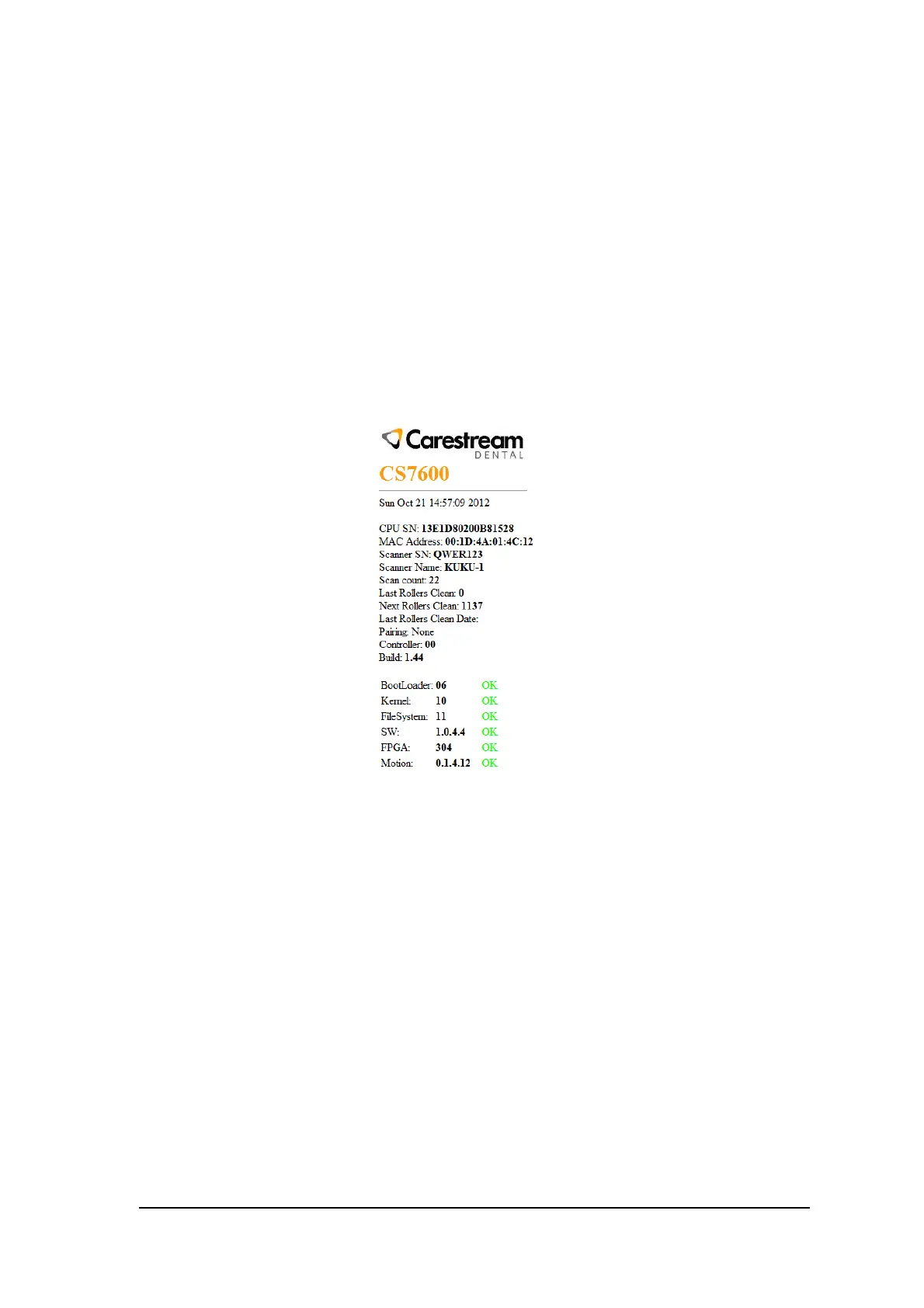
Scanner Info
You may provide this information to your Carestream distributor upon request.
To open the Scanner Info screen:
1 In the Settings Screens area, select the Scanner Info checkbox.
2 Click Open Selected Screen.
The Scanner Info screen opens.
Figure 2 Scanner Info screen











 To Next Page